Skip to content

TechDirectArchive

Hands-on IT, Cloud, Security & DevOps Insights

  • Home
  • About
  • Advertise With US
  • Reviews
  • Contact
  • Toggle search form

Tag: Veeam Backup & Replication Console

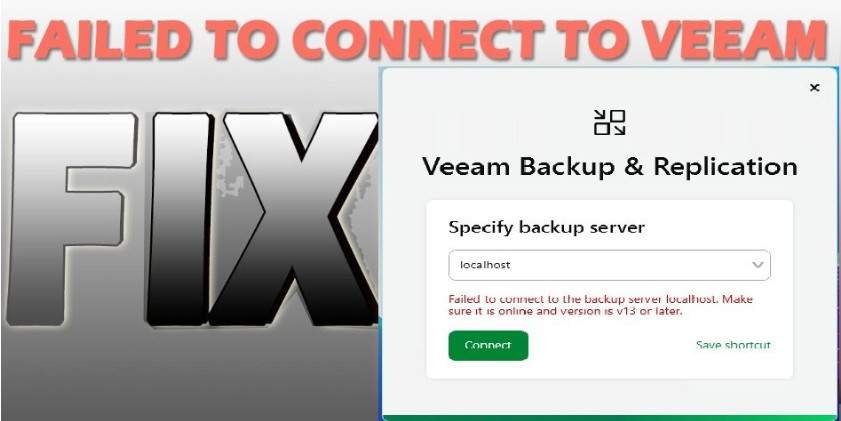
Fix failed to connect to the backup server: Make sure it is online

Posted on 11/03/202617/03/2026 Christian By Christian No Comments on Fix failed to connect to the backup server: Make sure it is online
Fix failed to connect to the backup server: Make sure it is online

Recently while I was discussing the steps on how to license Veeam Enterprise Manager and Add VBR Servers. I ran into the following error which prompted the created of this topic “Fix failed to connect to the backup server: Make sure it is online”. Please, see how to link an iPhone with Windows PC with…

Read More “Fix failed to connect to the backup server: Make sure it is online” »

Backup

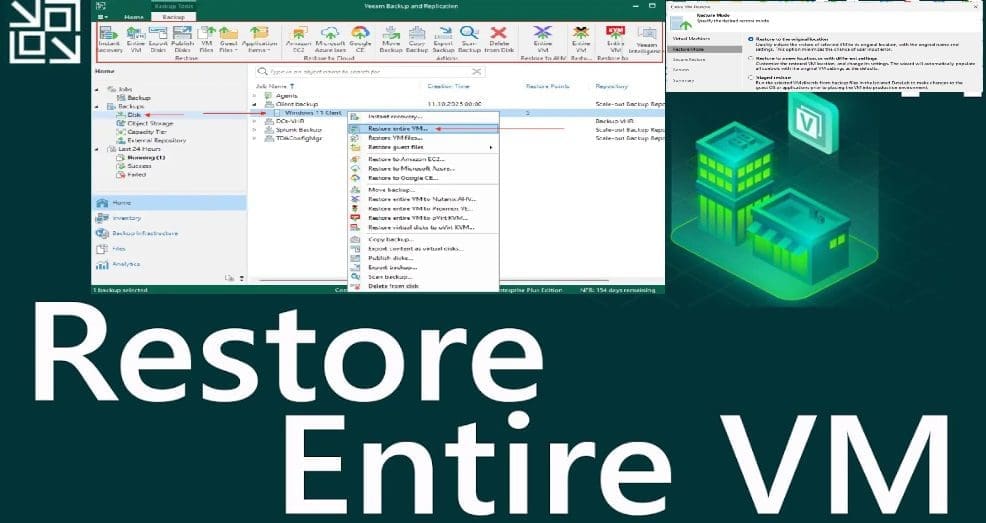
Restore VM to Original location using Veeam Entire VM restore

Posted on 29/10/202529/10/2025 Christian By Christian No Comments on Restore VM to Original location using Veeam Entire VM restore
Restore VM to Original location using Veeam Entire VM restore

When Disaster Strikes, here is how Veeam Saves the Day After an accidental VM Deletion. The goal of this blogpost is to show you the steps to Restore VM to Original location using Veeam Entire VM restore. In today’s digital landscape, data loss is not an option. Whether caused by accidental deletion, hardware failure, or…

Read More “Restore VM to Original location using Veeam Entire VM restore” »

Backup, Virtualization

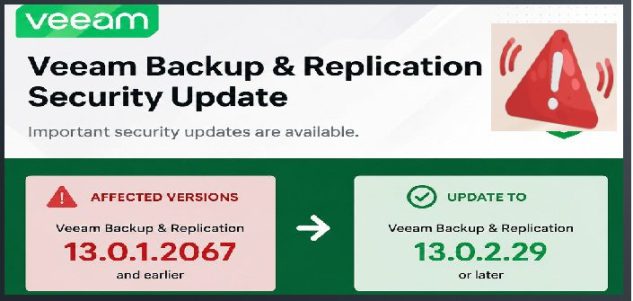
Veeam Backup Console must be updated to the latest version

Posted on 29/08/202529/08/2025 Christian By Christian No Comments on Veeam Backup Console must be updated to the latest version
Veeam Backup Console must be updated to the latest version

In this article, we will discuss the steps to update the console when prompted: “Veeam Backup Console must be updated to the latest version” at the time of writing this article. The Veeam Backup & Replication Console is the main interface used to configure, monitor, and manage all backup, replication, and recovery tasks. Please, see…

Read More “Veeam Backup Console must be updated to the latest version” »

Backup

Microsoft MVP

VEEAMLEGEND

vexpert-badge-stars-5

Virtual Background

GoogleNews

Categories

veeaam100

Veeam Vanguard

  • MDt
    Failure 5456: Unable to determine destination disk, partition, and/or drive, see BDD Log Windows
  • oauth2final
    How to implement Interactive Authentication using MSAL dotNET AWS/Azure/OpenShift
  • Case Of Internal Sabotage And Recovery
    A real case of Internal Sabotage and Recovery Network | Monitoring
  • picture1 100
    Fix Application blocked unable to run and apply settings Anti-Virus Solution
  • Implement Azure Bicep
    How to Deploy Azure Resources Using Azure Bicep Automation
  • Screenshot
    How to change the Windows Pagefile Size Windows Server
  • banner
    How to Edit Windows Hosts File via PowerToy Editor Utility Web Server
  • How to fix BitLocker always prompting for Recovery Key
    How to fix BitLocker always prompting for Recovery Key Windows

Subscribe to Blog via Email

Enter your email address to subscribe to this blog and receive notifications of new posts by email.

Join 1,808 other subscribers
  • RSS - Posts
  • RSS - Comments
  • About
  • Authors
  • Write for us
  • Advertise with us
  • General Terms and Conditions
  • Privacy policy
  • Feedly
  • Telegram
  • Youtube
  • Facebook
  • Instagram
  • LinkedIn
  • Tumblr
  • Pinterest
  • Twitter
  • mastodon

Tags

AWS Azure Bitlocker Microsoft Windows PowerShell WDS Windows 10 Windows 11 Windows Deployment Services Windows Server 2016

Copyright © 2025 TechDirectArchive