Skip to content

TechDirectArchive

Hands-on IT, Cloud, Security & DevOps Insights

  • Home
  • About
  • Advertise With US
  • Contact
  • Reviews
  • Toggle search form

Tag: Veeam backup and Replication v13

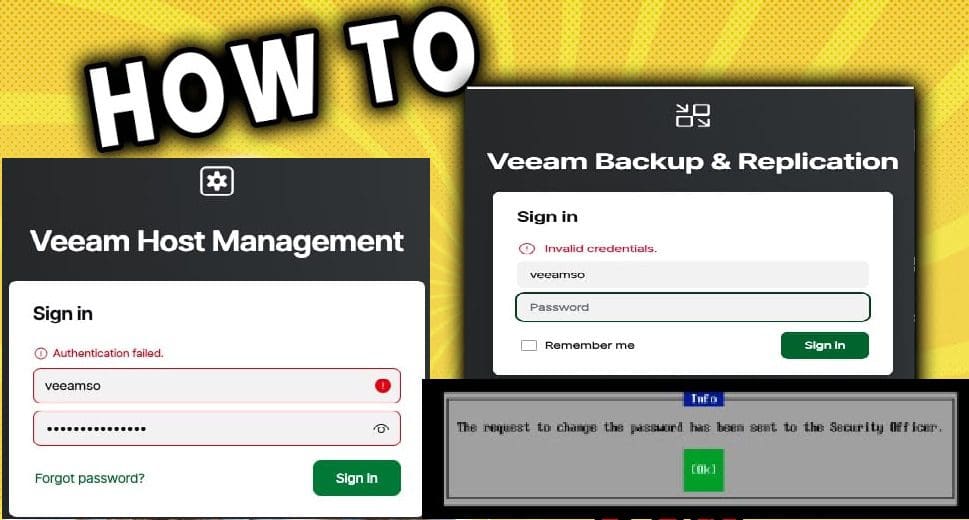
Fix Authentication failed: Invalid credential after installing VSA

Posted on 28/10/202528/10/2025 Christian By Christian No Comments on Fix Authentication failed: Invalid credential after installing VSA
Fix Authentication failed: Invalid credential after installing VSA

In this guide, we shall discuss how to fix Authentication failed: Invalid credential after installing VSA. Please, see how to fix MDT Invalid credentials: The network was not found, and Disable credential Prompts for Remote Desktop Connections. According to Veeam KB4648, the user’s proposed configuration is incomplete and requires several additions to fix the described…

Read More “Fix Authentication failed: Invalid credential after installing VSA” »
Backup

How to setup Veeam Software Appliance v13

Posted on 23/10/202525/01/2026 Christian By Christian No Comments on How to setup Veeam Software Appliance v13
How to setup Veeam Software Appliance v13

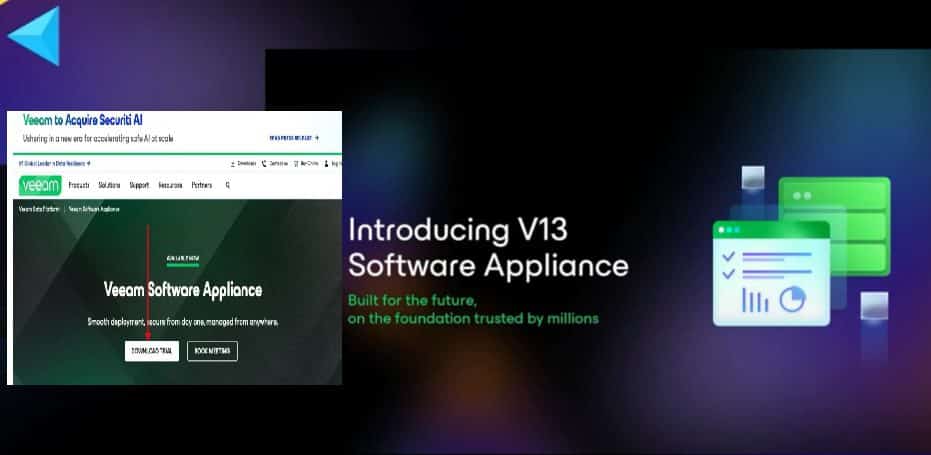
Veeam Software Appliance (VSA) v13 represents a significant advancement in data protection. VSA v13 offering a streamlined, secure, and efficient solution for modern IT environments. Therefore, this guide will discuss how to setup Veeam Software Appliance v13. Please, see How to Configure Object First OOTBI Appliance, “Object First OOTBI Appliance Unboxing and Quick Setup“, and…

Read More “How to setup Veeam Software Appliance v13” »

Backup

Microsoft MVP

VEEAMLEGEND

vexpert-badge-stars-5

Virtual Background

GoogleNews

Categories

veeaam100

Veeam Vanguard

  • HybridCloudTrust
    WHFB Hybrid Cloud Kerberos Trust Model is now available AWS/Azure/OpenShift
  • sonarcloud
    How to Integrate SonarCloud with Azure DevOps Pipeline AWS/Azure/OpenShift
  • MM
    How to install Mattermost on Ubuntu and Debian Linux
  • Proxmox 9
    How to update Proxmox VE 9.0 now Supported by Veeam Virtualization
  • dism failed errors windows thumbnail 1
    Error 0x800f0830: Discard the modified Image and start again, no operation was performed Windows Server
  • Docker internal external
    Running Docker commands returns Docker is not recognized as an internal or external command Containers
  • docker desktop 1
    Failed to remove network for build: Error during connect in the default daemon configuration on Windows, the Docker client must be run with elevated privileges Containers
  • Show or Hide File Extensions
    How to Show or Hide File Extensions on Windows 11 Windows

Subscribe to Blog via Email

Enter your email address to subscribe to this blog and receive notifications of new posts by email.

Join 1,821 other subscribers
  • RSS - Posts
  • RSS - Comments
  • About
  • Authors
  • Write for us
  • Advertise with us
  • General Terms and Conditions
  • Privacy policy
  • Feedly
  • Telegram
  • Youtube
  • Facebook
  • Instagram
  • LinkedIn
  • Tumblr
  • Pinterest
  • Twitter
  • mastodon

Tags

Active Directory Azure Bitlocker Microsoft Windows PowerShell WDS Windows 10 Windows 11 Windows Deployment Services Windows Server 2016

Copyright © 2025 TechDirectArchive