Skip to content

TechDirectArchive

Hands-on IT, Cloud, Security, Veeam & DevOps

  • Home
  • About
  • Advertise With US
  • Reviews
  • Tech News
  • Contact
  • Toggle search form

Tag: Veeam backup and Replication v13

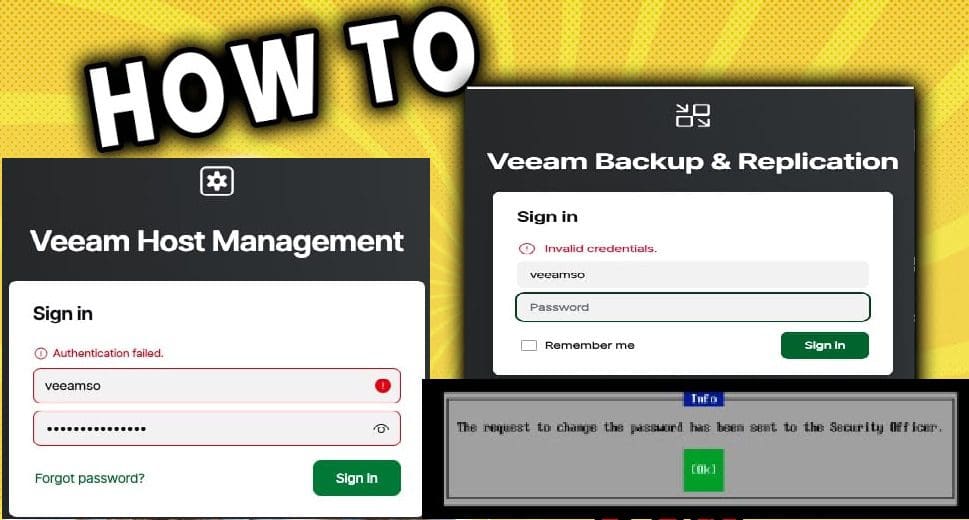
Fix Authentication failed: Invalid credential after installing VSA

Posted on 28/10/202522/06/2026 IT Expert By IT Expert No Comments on Fix Authentication failed: Invalid credential after installing VSA
Fix Authentication failed: Invalid credential after installing VSA

In this guide, we shall discuss how to fix Authentication failed: Invalid credential after installing VSA. Please, see how to fix MDT Invalid credentials: The network was not found, and Disable credential Prompts for Remote Desktop Connections. According to Veeam KB4648, the user’s proposed configuration is incomplete and requires several additions to fix the described…

Read More “Fix Authentication failed: Invalid credential after installing VSA” »
Backup

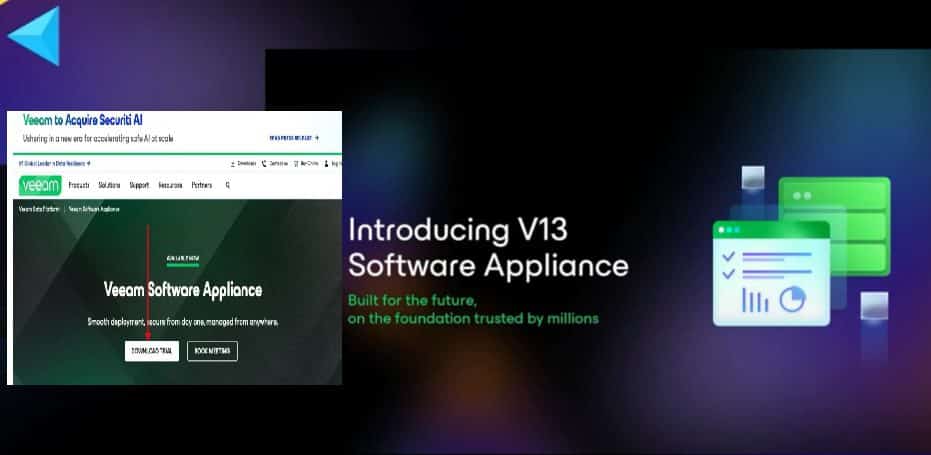
How to setup Veeam Software Appliance v13

Posted on 23/10/202524/06/2026 IT Expert By IT Expert No Comments on How to setup Veeam Software Appliance v13
How to setup Veeam Software Appliance v13

Veeam Software Appliance (VSA) v13 represents a significant advancement in data protection. VSA v13 offering a streamlined, secure, and efficient solution for modern IT environments. Therefore, this guide will discuss how to setup Veeam Software Appliance v13. Please, see How to Configure Object First OOTBI Appliance, “Object First OOTBI Appliance Unboxing and Quick Setup“, and…

Read More “How to setup Veeam Software Appliance v13” »

Backup

Microsoft MVP

VEEAMLEGEND

vexpert-badge-stars-5

Virtual Background

GoogleNews

Categories

veeaam100

Veeam Vanguard

  • ADO Self hosted agent
    How to Create Self-Hosted Agent for Azure DevOps Pipelines Automation
  • create a Lenovo USB Recovery key
    Windows 10 Yoga Recovery: Download the files needed to create a Lenovo USB Recovery key Windows
  • find my device banner
    How to Enable Find My Device on Windows 11 Windows
  • Featured image BitLocker AES XTX 256
    Enable BitLocker AES-XTX 256 Encryption Security | Vulnerability Scans and Assessment
  • A connection to the deployment share could not be made Errors in MDT e1781960443644
    PCI Driver Error: Connection to Deployment Share could not be made Windows
  • 785509289 780x439
    Integrate Pleasant Password Server with Active Directory Password Manager
  • image 43
    Configure GPS location “Google Map” on your Android Studio Emulator Windows
  • removeguesttrello
    Remove a member from Trello Workspace: How to add or remove a Board Guest to a Trello Board JIRA|Confluence|Apps

Subscribe to Blog via Email

Enter your email address to subscribe to this blog and receive notifications of new posts by email.

Join 1,762 other subscribers
  • RSS - Posts
  • RSS - Comments
  • About
  • Authors
  • Write for us
  • Advertise with us
  • General Terms and Conditions
  • Privacy policy
  • Feedly
  • Telegram
  • Youtube
  • Facebook
  • Instagram
  • LinkedIn
  • Tumblr
  • Pinterest
  • Twitter
  • mastodon

Tags

Active Directory Azure Bitlocker Microsoft Windows PowerShell WDS Windows 10 Windows 11 Windows Deployment Services Windows Server 2016

Copyright © 2026 TechDirectArchive