Skip to content

TechDirectArchive

Hands-on IT, Cloud, Security & DevOps Insights

  • Home
  • About
  • Advertise With US
  • Reviews
  • Contact
  • Toggle search form
  • WindowsServer2022
    Windows Server 2022 Capabilities: Register Windows Admin Center with Azure Windows Server
  • Stop teams from auto start
    Prevent Microsoft Teams from starting automatically on Windows Windows
  • VMware workstation networking issues
    Network cable Unplugged: Fix VMware “Warning – Multiple default gateways are intended to provide redundancy to a single network Virtualization
  • 1723152 3cc3 2 750x405 1
    Cluster creation in Proxmox VE Virtualization
  • find my device banner
    Video on how to Enable Find My Device on Windows 11 Windows
  • wine 2 1
    How to install and uninstall WineHQ on Linux Linux
  • Actualidad 211741393 129861581 1050x760
    Edge GPO settings: All Group Policies available to configure Microsoft Edge Settings Windows Server
  • windows deployment services imagen destacada blog redigit
    How to create a capture image on Windows Deployment Services Windows Server

Tag: Microsoft Windows

Upgrade PowerShell Core Windows or Mac and Linux System

Posted on 02/01/202605/01/2026 Christian By Christian No Comments on Upgrade PowerShell Core Windows or Mac and Linux System
Upgrade PowerShell Core Windows or Mac and Linux System

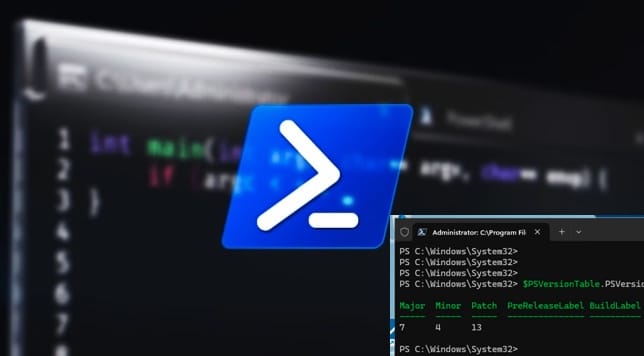
In this article, we shall discuss the steps to upgrade PowerShell Core Windows or Mac and Linux System. Microsoft officially stopped adding new features to “Windows PowerShell” (version 5.1) as it recieves security and bug fixes only. It is considered “feature complete” and is tied strictly to the Windows operating system as it is built…

Read More “Upgrade PowerShell Core Windows or Mac and Linux System” »

Windows, Windows Server

Harden Active Directory Using CIS Benchmark and MSCT 1.0

Posted on 27/12/202527/12/2025 Link State By Link State No Comments on Harden Active Directory Using CIS Benchmark and MSCT 1.0
Harden Active Directory Using CIS Benchmark and MSCT 1.0

In this guide, I will discuss how to Harden Active Directory Using CIS Benchmark and MSCT 1.0. IT infrastructure security has become an essential priority for any organization. In this context, the Active Directory (AD) domain represents the core of identity management, permissions, and network resources. Please, see “An account with the same name exists…

Read More “Harden Active Directory Using CIS Benchmark and MSCT 1.0” »

Windows Server

Preliminary Guide for WSUS Analysis and Initial Assessment

Posted on 25/12/202526/12/2025 Link State By Link State No Comments on Preliminary Guide for WSUS Analysis and Initial Assessment
Preliminary Guide for WSUS Analysis and Initial Assessment

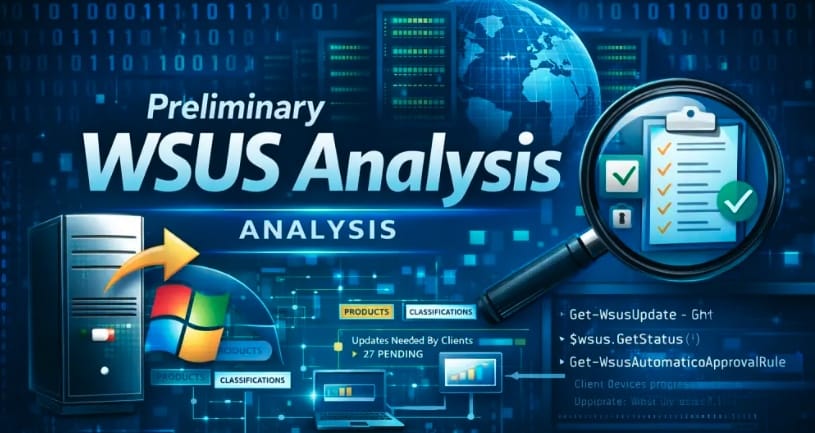
Before optimising update management, troubleshooting patching issues, or preparing for a WSUS migration or cleanup, it is essential to perform a preliminary analysis of the WSUS (Windows Server Update Services) environment. In this article, we will discuss the Preliminary Guide for WSUS Analysis and Initial Assessment”. Please, see How to Disable the Password Manager of…

Read More “Preliminary Guide for WSUS Analysis and Initial Assessment” »

Windows Server

Query MBAM-protected Client for non-compliance [Part 2]

Posted on 20/12/202520/12/2025 Christian By Christian No Comments on Query MBAM-protected Client for non-compliance [Part 2]
Query MBAM-protected Client for non-compliance  [Part 2]

IT support teams face numerous BitLocker compliance alerts daily from remote, and home/hybrid deployments. But without remote WMI queries etc., each ticket demands time-consuming VPN/RDP sessions, physical dispatches, or endless “reboot due to upgrades and updates. In this article, we shall discuss how to query MBAM-protected Client for non-compliance [Part 2]. Please, see how to…

Read More “Query MBAM-protected Client for non-compliance [Part 2]” »

Windows, Windows Server

Configure Windows Admin Center on Windows Server 2019

Posted on 15/12/202520/12/2025 Link State By Link State No Comments on Configure Windows Admin Center on Windows Server 2019
Configure Windows Admin Center on Windows Server 2019

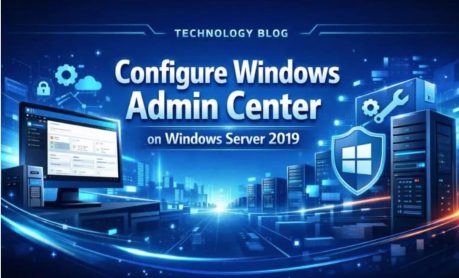
Windows Admin Center has become a strategic management platform for modern Windows Server environments, offering a centralized, browser-based experience for administering servers, clusters, and hyper-converged infrastructure. In this guide, we shall discuss how to ‘Install and Configure Windows Admin Center on Windows Server 2019″. Please, see Why Software KVMs such as Synergy is replacing Hardware…

Read More “Configure Windows Admin Center on Windows Server 2019” »

Network | Monitoring

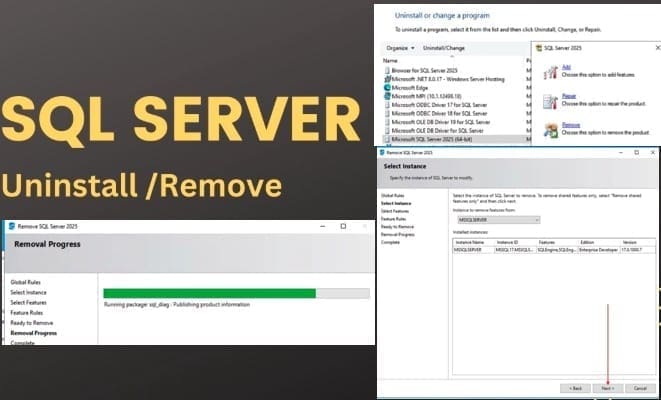
Uninstall Microsoft SQL Server 2025 from Windows

Posted on 10/12/202510/12/2025 Christian By Christian No Comments on Uninstall Microsoft SQL Server 2025 from Windows
Uninstall Microsoft SQL Server 2025 from Windows

Microsoft SQL Server is a powerful relational database management system (RDBMS). Applications and tools connect directly to a SQL Server instance or database and interact with it using Transact-SQL (T-SQL). You can run SQL Server on Windows or Linux, deploy it in Linux containers, or host it on an Azure Virtual Machine or any other…

Read More “Uninstall Microsoft SQL Server 2025 from Windows” »

Oracle/MSSQL/MySQL, Windows, Windows Server

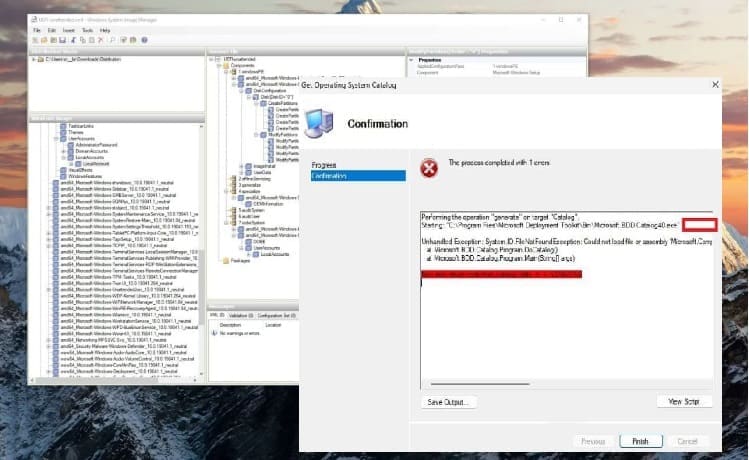
Unable to edit MDT XML unattended file: Could not load file

Posted on 08/12/202511/12/2025 Christian By Christian No Comments on Unable to edit MDT XML unattended file: Could not load file
Unable to edit MDT XML unattended file: Could not load file

Microsoft Deployment Toolkit (MDT) is a unified collection of tools, processes, and guidance for automating desktop and server deployment. And this in turn reduces deployment time and standardizes desktop and server image deployment. In this guide, we shall discuss the fix to “Unable to edit MDT XML unattended file: Could not load file”. Please, see…

Read More “Unable to edit MDT XML unattended file: Could not load file” »

Windows Server

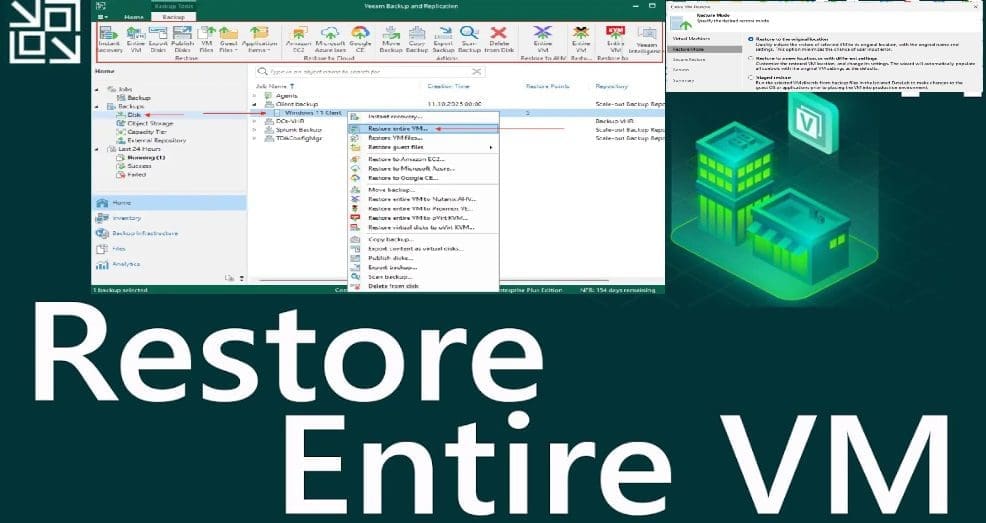
Restore VM to Original location using Veeam Entire VM restore

Posted on 29/10/202529/10/2025 Christian By Christian No Comments on Restore VM to Original location using Veeam Entire VM restore
Restore VM to Original location using Veeam Entire VM restore

When Disaster Strikes, here is how Veeam Saves the Day After an accidental VM Deletion. The goal of this blogpost is to show you the steps to Restore VM to Original location using Veeam Entire VM restore. In today’s digital landscape, data loss is not an option. Whether caused by accidental deletion, hardware failure, or…

Read More “Restore VM to Original location using Veeam Entire VM restore” »

Backup, Virtualization

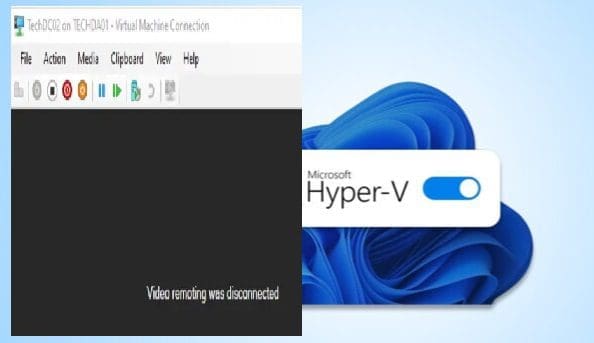
Video Remoting was disconnected on Hyper V

Posted on 29/10/202529/10/2025 Christian By Christian No Comments on Video Remoting was disconnected on Hyper V
Video Remoting was disconnected on Hyper V

In this guide, I will show you what to do when you are unable to connect to a Hyper V VM when the following message is prompted “Video Remoting was disconnected on Hyper V”. Hyper-V is a native hypervisor developed by Microsoft; it can create virtual machines on x86-64 systems running Windows. Please, see PowerShell…

Read More “Video Remoting was disconnected on Hyper V” »

Windows Server

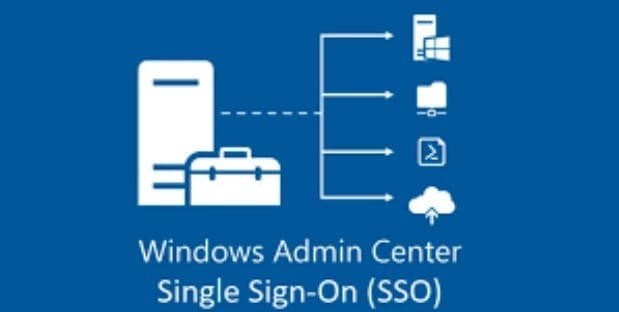
Setup Windows Admin Center Modern Gateway for Single Sign-On

Posted on 18/10/202529/11/2025 Christian By Christian No Comments on Setup Windows Admin Center Modern Gateway for Single Sign-On
Setup Windows Admin Center Modern Gateway for Single Sign-On

Windows Admin Center is a browser-based app that the customer self-deploys and uses to manage servers, clusters, hyperconverged infrastructure, and Windows 10 PCs . Recently, we discussed how to upgrade Windows Admin Center 2306 – 2311 and also touched on how to install WACmg 2410. But in this guide, we shall discuss how to setup…

Read More “Setup Windows Admin Center Modern Gateway for Single Sign-On” »

Windows Server

How to set up and configure the Key Management System (KMS)

Posted on 09/10/202511/10/2025 Christian By Christian No Comments on How to set up and configure the Key Management System (KMS)
How to set up and configure the Key Management System (KMS)

Key Management Service (KMS), like Multiple Activation Key (MAK) activates Microsoft products such as Windows and Office. You should install the KMS server, also known as the KMS host on a server inside your local network. Note that, KMS clients connect directly to the KMS host to activate both Windows etc. In this guide, we…

Read More “How to set up and configure the Key Management System (KMS)” »

Windows Server

Logon Failure: User has not been granted the requested logon type

Posted on 08/09/202508/09/2025 Christian By Christian No Comments on Logon Failure: User has not been granted the requested logon type
Logon Failure: User has not been granted the requested logon type

In this article, we shall discuss how to fix “Logon Failure: the user has not been granted the requested logon type at this computer”. Here is a similar article on this topic “Error 1385: The user has not been granted the requested logon type at this time“. I ran into this error during the cause…

Read More “Logon Failure: User has not been granted the requested logon type” »

Windows, Windows Server

Server Certificate could not be updated: Private key does not match

Posted on 08/09/202508/09/2025 Christian By Christian No Comments on Server Certificate could not be updated: Private key does not match
Server Certificate could not be updated: Private key does not match

In this article, we will discuss how to troubleshoot “Server Certificate could not be updated: Private key does not match”, and and determine the root case of this issue. This concern arose during the process of uploading a new SSL/TLS certificate to Trellix ePolicy Orchestrator (ePO) for securing web-based access to the console over the…

Read More “Server Certificate could not be updated: Private key does not match” »

Windows Server

Posts pagination

1 2 … 60 Next

Microsoft MVP

VEEAMLEGEND

vexpert-badge-stars-5

Virtual Background

GoogleNews

Categories

veeaam100

sysadmin top30a

  • WindowsServer2022
    Windows Server 2022 Capabilities: Register Windows Admin Center with Azure Windows Server
  • Stop teams from auto start
    Prevent Microsoft Teams from starting automatically on Windows Windows
  • VMware workstation networking issues
    Network cable Unplugged: Fix VMware “Warning – Multiple default gateways are intended to provide redundancy to a single network Virtualization
  • 1723152 3cc3 2 750x405 1
    Cluster creation in Proxmox VE Virtualization
  • find my device banner
    Video on how to Enable Find My Device on Windows 11 Windows
  • wine 2 1
    How to install and uninstall WineHQ on Linux Linux
  • Actualidad 211741393 129861581 1050x760
    Edge GPO settings: All Group Policies available to configure Microsoft Edge Settings Windows Server
  • windows deployment services imagen destacada blog redigit
    How to create a capture image on Windows Deployment Services Windows Server

Subscribe to Blog via Email

Enter your email address to subscribe to this blog and receive notifications of new posts by email.

Join 1,834 other subscribers
  • RSS - Posts
  • RSS - Comments
  • About
  • Authors
  • Write for us
  • Advertise with us
  • General Terms and Conditions
  • Privacy policy
  • Feedly
  • Telegram
  • Youtube
  • Facebook
  • Instagram
  • LinkedIn
  • Tumblr
  • Pinterest
  • Twitter
  • mastodon

Tags

Active Directory AWS Azure Bitlocker Microsoft Windows PowerShell WDS Windows 10 Windows 11 Windows Server 2016

Copyright © 2025 TechDirectArchive