Skip to content

TechDirectArchive

Hands-on IT, Cloud, Security & DevOps Insights

  • Home
  • About
  • Advertise With US
  • Contact
  • Reviews
  • Toggle search form
Home » Security | Vulnerability Scans and Assessment » CVE-2022-22948: Patch available to address vCenter Server information disclosure vulnerability 

CVE-2022-22948: Patch available to address vCenter Server information disclosure vulnerability 

Posted on 29/03/202203/11/2023 Christian By Christian No Comments on CVE-2022-22948: Patch available to address vCenter Server information disclosure vulnerability 
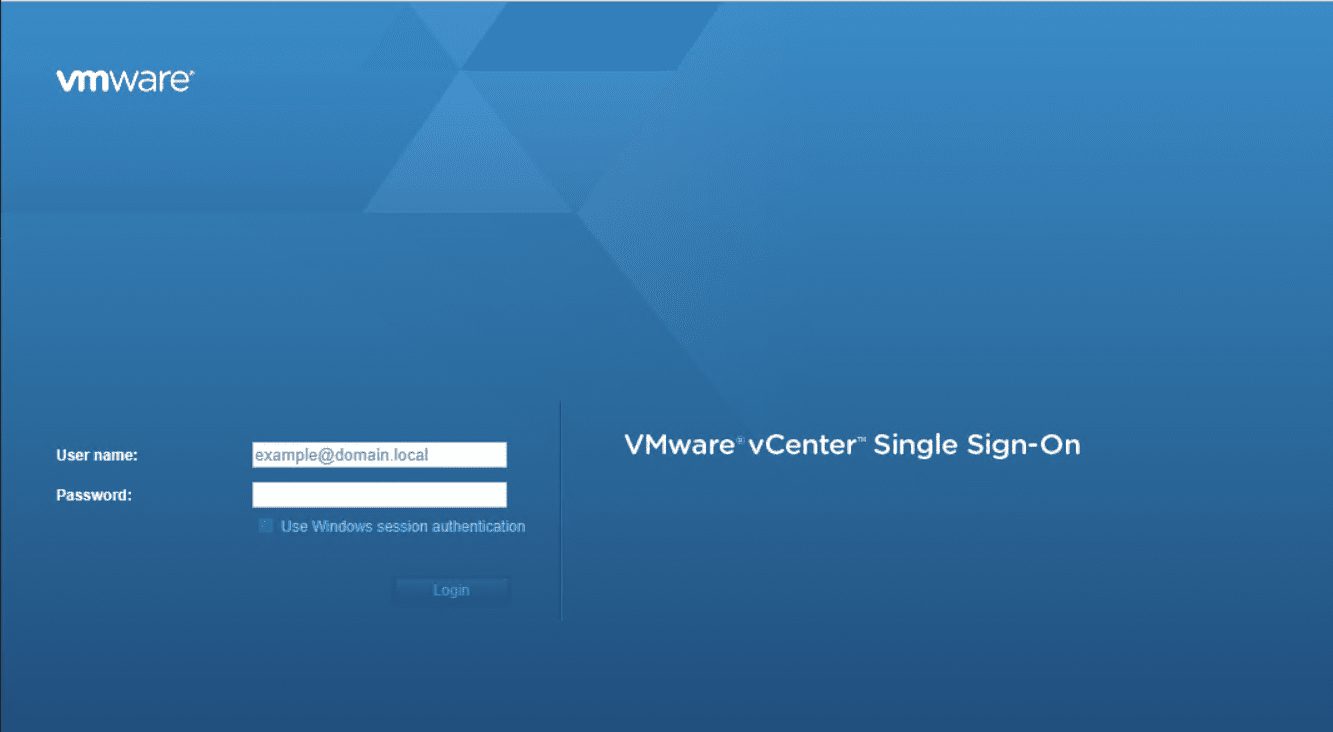
vCenter Server

VMware vCenter Server is an advanced server management software that provides a centralized platform for controlling vSphere environments for visibility across hybrid clouds. You can quickly deploy vCenter Server as a pre-packaged, optimized, and easy-to-maintain virtual appliance. This article discusses “CVE-2022-22948: Patch available to address vCenter Server information disclosure vulnerability”. Please see How to schedule and join meetings with Microsoft Teams. Also, see how to find Dfs Referral Path and clear Dfs referral Cache.

Patch vCenter Server information disclosure vulnerability

The following disclosure vulnerability was reported to VMware by Yuval Lazar of Pentera. To remediate this vulnerability, apply the patch in the response matrix below as it applies to you.

The vCenter Server contains an information disclosure vulnerability due to improper permission of files. 

VMware has evaluated the severity of this issue to be in the Moderate severity range with a maximum CVSSv3 base score of 5.5.

Below are the affected products

  • VMware vCenter Server (vCenter Server)
  • VMware Cloud Foundation (Cloud Foundation)

However, An information disclosure vulnerability in VMware vCenter Server was privately reported to VMware. Furthermore, Updates are available to remediate this vulnerability in affected VMware products.

CVE-2022-22948 Known Attack Vectors

Moreover, a malicious actor with non-administrative access to the vCenter Server may exploit this issue to gain access to sensitive information.

Also, see how to fix “Network cable Unplugged: Fix VMware “Warning – Multiple default gateways are intended to provide redundancy to a single network“. Also, see how to fix “The process cannot access the file because another process has locked a portion of the file”.

Patch vCenter Server information disclosure vulnerability Resolution

Nonetheless, To remediate CVE-2022-22948. Apply the patches listed in the ‘Fixed Version’ column of the ‘Response Matrix’ found below the response matrix.

ProductVersionRunning OnCVE IdentifierCVSSv3SeverityFixed VersionWorkaroundsAdditional Documentation
vCenter Server7.0AnyCVE-2022-229485.5Moderate 7.0 U3dNoneNone
vCenter Server6.7Virtual ApplianceCVE-2022-229485.5Moderate 6.7 U3pNoneNone
vCenter Server6.7WindowsCVE-2022-22948N/AN/AUnaffectedN/AN/A
vCenter Server6.5Virtual ApplianceCVE-2022-229485.5Moderate 6.5 U3rNoneNone
vCenter Server6.5WindowsCVE-2022-22948N/AN/AUnaffectedN/AN/A

CVE-2022-22948: Impacted Product Suites that Deploy Response Matrix Components

ProductVersionRunning OnCVE IdentifierCVSSv3SeverityFixed VersionWorkaroundsAdditional Documentation
Cloud Foundation (vCenter Server)4.xAnyCVE-2022-229485.5Moderate Patch pendingNoneNone
Cloud Foundation (vCenter Server)3.xAnyCVE-2022-229485.5Moderate 3.11NoneNone

However, You may want to learn more about this disclosure. I hope you found this article useful on “CVE-2022-22948: Patch available to address vCenter Server information disclosure vulnerability”.

Rate this post

Thank you for reading this post. Kindly share it with others.

  • Share on X (Opens in new window) X
  • Share on Reddit (Opens in new window) Reddit
  • Share on LinkedIn (Opens in new window) LinkedIn
  • Share on Facebook (Opens in new window) Facebook
  • Share on Pinterest (Opens in new window) Pinterest
  • Share on Tumblr (Opens in new window) Tumblr
  • Share on Telegram (Opens in new window) Telegram
  • Share on WhatsApp (Opens in new window) WhatsApp
  • Share on Mastodon (Opens in new window) Mastodon
  • Share on Bluesky (Opens in new window) Bluesky
  • Share on Threads (Opens in new window) Threads
  • Share on Nextdoor (Opens in new window) Nextdoor
Security | Vulnerability Scans and Assessment Tags:VMware, vulnerability

Post navigation

Previous Post: How to install Gradle on Ubuntu
Next Post: How to Install Kubectl on Windows 11

Related Posts

  • ext
    How to install Standalone Installation DriveLock Encryption software Security | Vulnerability Scans and Assessment
  • ext
    How to install a standalone DriveLock Encryption software on Windows Security | Vulnerability Scans and Assessment
  • 5rgh65436
    New Windows 11 encryption features and security enhancements for Hybrid Work Security | Vulnerability Scans and Assessment
  • ext
    The DriveLock server returned an invalid or unrecognized response Security | Vulnerability Scans and Assessment
  • Trellix MVISOSN
    How to install Trellix MVISON Endpoint Security | Vulnerability Scans and Assessment
  • rrd
    How to uninstall the DriveLock Agent from your device Security | Vulnerability Scans and Assessment

More Related Articles

ext How to install Standalone Installation DriveLock Encryption software Security | Vulnerability Scans and Assessment
ext How to install a standalone DriveLock Encryption software on Windows Security | Vulnerability Scans and Assessment
5rgh65436 New Windows 11 encryption features and security enhancements for Hybrid Work Security | Vulnerability Scans and Assessment
ext The DriveLock server returned an invalid or unrecognized response Security | Vulnerability Scans and Assessment
Trellix MVISOSN How to install Trellix MVISON Endpoint Security | Vulnerability Scans and Assessment
rrd How to uninstall the DriveLock Agent from your device Security | Vulnerability Scans and Assessment

Leave a Reply Cancel reply

You must be logged in to post a comment.

Microsoft MVP

VEEAMLEGEND

vexpert-badge-stars-5

Virtual Background

GoogleNews

Categories

veeaam100

Veeam Vanguard

  • Angular 1
    How to deploy an Angular App to AWS S3 AWS/Azure/OpenShift
  • fhgj
    Resolve DISM unspecified error when removing preinstalled packages(Error code 15601) Windows Server
  • Exchange Admin Centre   EMC
    How to grant Access to User Mailbox Network | Monitoring
  • banner
    Fix npm install hangs on “sill idealTree buildDeps” Linux
  • BitLocker
    BitLocker Drive Encryption architecture and implementation types on Windows Windows Server
  • Prevent the saving of RDP Credentials
    Prevent users from saving RDP Credentials on Windows 11 Windows
  • How To Backup Your WordPress Database banner
    How to Backup and Restore your WordPress Files and Database Backup
  • shortcut
    How to make a desktop shortcut available for all users in Windows 7 and 10 Windows

Subscribe to Blog via Email

Enter your email address to subscribe to this blog and receive notifications of new posts by email.

Join 1,808 other subscribers
  • RSS - Posts
  • RSS - Comments
  • About
  • Authors
  • Write for us
  • Advertise with us
  • General Terms and Conditions
  • Privacy policy
  • Feedly
  • Telegram
  • Youtube
  • Facebook
  • Instagram
  • LinkedIn
  • Tumblr
  • Pinterest
  • Twitter
  • mastodon

Tags

AWS Azure Bitlocker Microsoft Windows PowerShell WDS Windows 10 Windows 11 Windows Deployment Services Windows Server 2016

Copyright © 2025 TechDirectArchive


Loading Comments...
 

You must be logged in to post a comment.