Skip to content

TechDirectArchive

Hands-on IT, Cloud, Security, Veeam & DevOps

  • Home
  • About
  • Advertise With US
  • Reviews
  • Tech News
  • Contact
  • Toggle search form

Tag: Windows 11

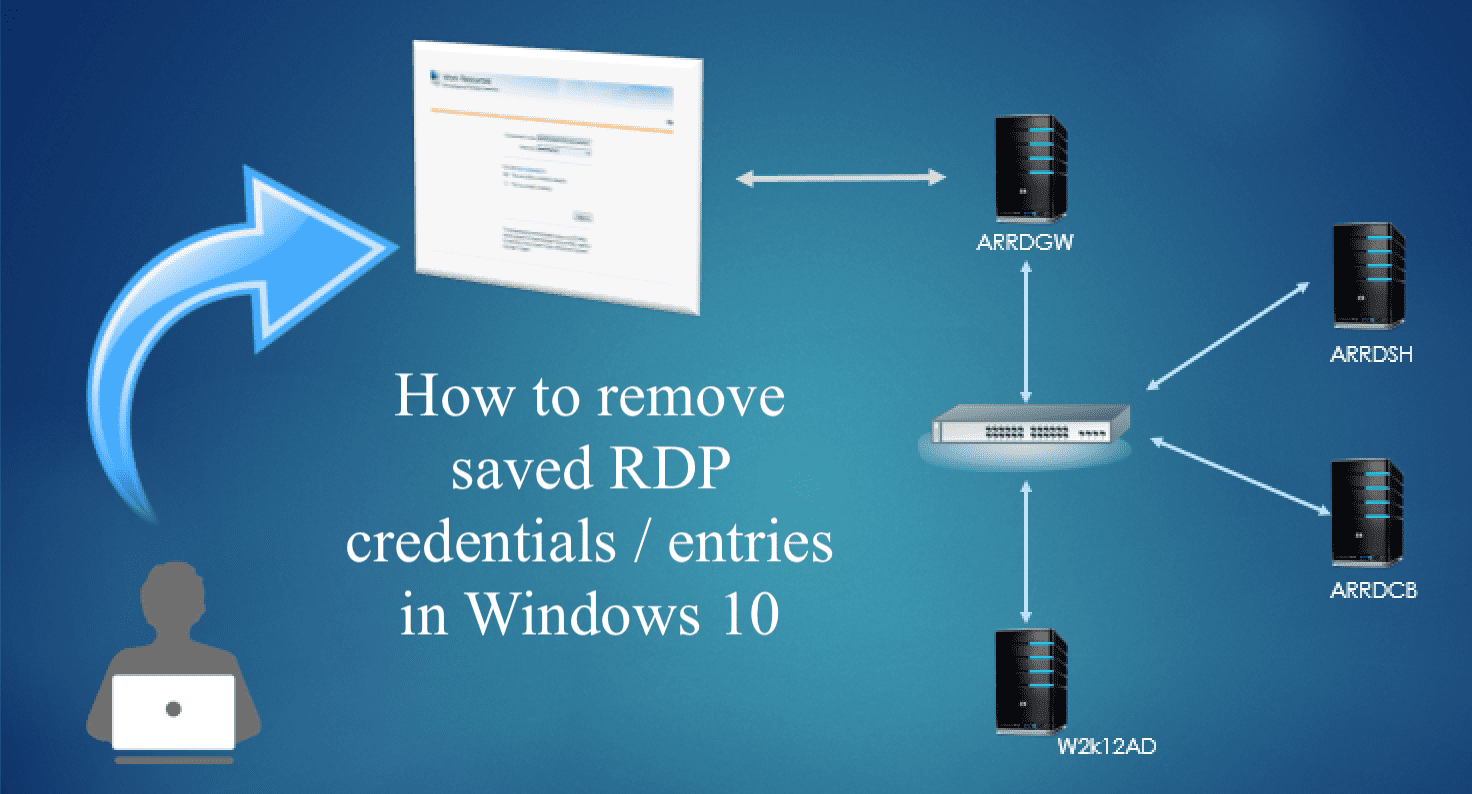
Remove saved RDP connections in Windows

Posted on 17/03/202009/06/2023 IT Expert By IT Expert 2 Comments on Remove saved RDP connections in Windows
Remove saved RDP connections in Windows

The built-in Windows Remote Desktop Connection client saves the remote computer name or IP address and the username that is used to log in after each successful connection to the remote computer. This makes the next logon effortless because the RDP client offers you the possibility to select one of the connections that were used…

Read More “Remove saved RDP connections in Windows” »

Windows

How to view and remove Remote Desktop connection history

Posted on 17/03/202009/06/2023 IT Expert By IT Expert No Comments on How to view and remove Remote Desktop connection history
How to view and remove Remote Desktop connection history

Remote Desktop Protocol or just RDP is a special network protocol that allows a user to establish a connection between two computers and access the Desktop of a remote host. For every connection made to a remote PC, the RDP client in Windows (mstsc.exe) saves the computer name or an IP Address and also the…

Read More “How to view and remove Remote Desktop connection history” »

Windows

Fast user switching: How to create a desktop shortcut in Windows 10 to switch User Accounts

Posted on 14/03/202011/09/2023 IT Expert By IT Expert No Comments on Fast user switching: How to create a desktop shortcut in Windows 10 to switch User Accounts
Fast user switching: How to create a desktop shortcut in Windows 10 to switch User Accounts

When a user logs onto a computer, the system loads the profile. Because each user has a unique user account, this allows multiple users to share a computer. When a user logs on, the desktop settings, files, favourites, and history they see are theirs; they cannot be accessed by other users. When that user logs…

Read More “Fast user switching: How to create a desktop shortcut in Windows 10 to switch User Accounts” »

Windows

Change Windows Desktop icon shortcut for fast user switching

Posted on 14/03/202002/10/2024 IT Expert By IT Expert No Comments on Change Windows Desktop icon shortcut for fast user switching
Change Windows Desktop icon shortcut for fast user switching

Windows 10 is a major release of Microsoft’s Windows NT operating system. It is the direct successor to Windows 8.1, which was released nearly two years earlier. In this article, we shall discuss how to Change Windows Desktop icon shortcut for fast user switching. Please see how to create a desktop shortcut and how to…

Read More “Change Windows Desktop icon shortcut for fast user switching” »

Windows

How to create a Desktop shortcut in Windows

Posted on 08/03/202013/09/2023 IT Expert By IT Expert No Comments on How to create a Desktop shortcut in Windows
How to create a Desktop shortcut in Windows

When programs are installed on Windows, you have the choice to create a desktop shortcut for the individual programs. However, if you don’t create a desktop shortcut at the time that you install the program, you can install the desktop shortcut later, and you can easily create one with the steps shown below. The steps…

Read More “How to create a Desktop shortcut in Windows” »

Windows

Detect registry keys using Process Monitor using Sysinternals Tools

Posted on 07/03/202028/09/2023 IT Expert By IT Expert No Comments on Detect registry keys using Process Monitor using Sysinternals Tools
Detect registry keys using Process Monitor using Sysinternals Tools

Process Monitor is an advanced monitoring tool for Windows that shows real-time file system, Registry, and process/thread activity. For a tour of Sysinternals tools, please see this link. It combines the features of two legacy Sysinternals utilities, Filemon and Regmon, and adds an extensive list of enhancements including rich and non-destructive filtering, comprehensive event properties such…

Read More “Detect registry keys using Process Monitor using Sysinternals Tools” »

Windows Server

Check PowerShell Version and Verify WinRM Using Test-WSMan

Posted on 26/02/202022/05/2026 IT Expert By IT Expert No Comments on Check PowerShell Version and Verify WinRM Using Test-WSMan
Check PowerShell Version and Verify WinRM Using Test-WSMan

PowerShell is a cross-platform (Windows, Linux, and macOS) automation and configuration tool/framework that works well with your existing tools and is optimized for dealing with structured data (e.g. JSON, CSV, XML, etc.), REST APIs, and objects models. It includes a command-line shell, an associated scripting language and a framework for processing cmdlet. In this article,…

Read More “Check PowerShell Version and Verify WinRM Using Test-WSMan” »

Windows Server

All about Group Policies: Group Policy GPUpdate Commands

Posted on 26/02/202001/07/2025 IT Expert By IT Expert No Comments on All about Group Policies: Group Policy GPUpdate Commands
All about Group Policies: Group Policy GPUpdate Commands

Group Policy is a feature of Windows that facilitates a wide variety of advanced settings that network administrators can use to control the working environment of users and computer accounts in Active Directory. In this article, I will discuss “All about Group Policies: Group Policy GPUpdate Commands: GPUpdate, GPUpdate/force, LogOff, Boot, Wait, and Sync”. These steps…

Read More “All about Group Policies: Group Policy GPUpdate Commands” »

Windows Server

Delete AssignedAccess applied via MDM WMI bridge Provider

Posted on 13/02/202022/02/2025 IT Expert By IT Expert No Comments on Delete AssignedAccess applied via MDM WMI bridge Provider
Delete AssignedAccess applied via MDM WMI bridge Provider

Assigned Access allows you to configure a device to run a single Universal Windows Platform (UWP) app in kiosk mode. In this article, we shall discuss how to delete AssignedAccess applied via MDM WMI bridge Provider. Please see how to Setup Kiosk Mode on Windows 10 with AD User Account, “Remote WMI Connection: How to…

Read More “Delete AssignedAccess applied via MDM WMI bridge Provider” »

Windows

How to disable Lock Screen on Windows 10

Posted on 08/02/202028/04/2023 IT Expert By IT Expert No Comments on How to disable Lock Screen on Windows 10
How to disable Lock Screen on Windows 10

A lock screen is an interface used by various operating systems to grant immediate access to a device by requiring the user to perform a certain action in order to receive access. Such as entering a password, using a certain button combination, or performing a certain gesture using a device’s touchscreen. Some devices may not…

Read More “How to disable Lock Screen on Windows 10” »

Windows

Check if Windows Updates were installed via the Registry Editor

Posted on 07/02/202008/09/2024 IT Expert By IT Expert 1 Comment on Check if Windows Updates were installed via the Registry Editor
Check if Windows Updates were installed via the Registry Editor

In this article, you will learn how to check if Windows Updates were installed via the Registry Editor. Microsoft Windows Update is a Microsoft service for the Windows families of the operating system, which automates downloading and installing Microsoft Windows software updates over the Internet. Here are some interesting articles: How to install Windows Server…

Read More “Check if Windows Updates were installed via the Registry Editor” »

Windows, Windows Server

Check if Windows Updates were installed

Posted on 06/02/202004/10/2023 IT Expert By IT Expert No Comments on Check if Windows Updates were installed
Check if Windows Updates were installed

Whenever you are faced with doubts about determining which updates you have installed on your device. Or which updates are problematic and you need to uninstall them. Whether you’re working on a workstation you’ve never supported before or trying to determine how vulnerable your workstations are to security attacks. It’s important to know which updates…

Read More “Check if Windows Updates were installed” »

Windows

Auto Logon Error “Username and password specified is not valid”

Posted on 06/02/202001/10/2024 IT Expert By IT Expert No Comments on Auto Logon Error “Username and password specified is not valid”
Auto Logon Error “Username and password specified is not valid”

Autologon enables you to easily configure Windows’ built-in autologon mechanism. This prevents the user from waiting to enter their name and password. In this article, we shall discuss how to fix “Auto Logon Error “The username and password specified is not valid”. Kindly refer to these interesting guides: How to download and use Windows SysInternals tools…

Read More “Auto Logon Error “Username and password specified is not valid”” »

Windows

Posts pagination

Previous 1 … 49 50 51 … 53 Next

Microsoft MVP

VEEAMLEGEND

vexpert-badge-stars-5

Virtual Background

GoogleNews

Categories

veeaam100

Veeam Vanguard

  • reboot computer
    Determine the last boot time of a Windows Server Windows Server
  • the remote procedure call failed
    Error 0xc1420117: The directory could not be completely unmounted Windows Server
  • Screenshot
    An error occurred while attempting to start the selected VM Virtualization
  • Object First OOTBI   Best Storage Repo for Veeam
    Understanding User Roles & Access Control in Object First OOTBI Backup
  • Screenshot 2022 03 29 at 19.47.05
    CVE-2022-22948: Patch available to address vCenter Server information disclosure vulnerability  Security | Vulnerability Scans and Assessment
  • Opswork blog 1440x800 1
    Get Started with OpsWorks for Chef Automate AWS/Azure/OpenShift
  • untitled 5 1
    Migrate Veeam MSSQL Database to a new Microsoft SQL Server Backup
  • HypervDisplay
    How to fix HyperV Virtual Machine display taking over the entire screen Windows

Subscribe to Blog via Email

Enter your email address to subscribe to this blog and receive notifications of new posts by email.

Join 1,779 other subscribers
  • RSS - Posts
  • RSS - Comments
  • About
  • Authors
  • Write for us
  • Advertise with us
  • General Terms and Conditions
  • Privacy policy
  • Feedly
  • Telegram
  • Youtube
  • Facebook
  • Instagram
  • LinkedIn
  • Tumblr
  • Pinterest
  • Twitter
  • mastodon

Tags

Active Directory Azure Bitlocker Microsoft Windows PowerShell WDS Windows 10 Windows 11 Windows Deployment Services Windows Server 2016

Copyright © 2026 TechDirectArchive