Skip to content

TechDirectArchive

Hands-on IT, Cloud, Security & DevOps Insights

  • Home
  • About
  • Advertise With US
  • Reviews
  • Contact
  • Toggle search form
  • image 29
    How to force your website to redirect from HTTP to HTTPS using a web.config file Network | Monitoring
  • 5rgh65436
    New Windows 11 encryption features and security enhancements for Hybrid Work Security | Vulnerability Scans and Assessment
  • drivelock 1280x720 1
    Concept of DriveLock with a focus on Encryption Security | Vulnerability Scans and Assessment
  • Featured image TeamsGif.
    How to fix Microsoft Teams GIFs or Images not working Windows
  • wac
    Fix Windows Admin Center cannot be reached Windows
  • Featured image Desktop Stickers
    How to create Desktop Stickers in Windows 11 Windows
  • ERRORFEATURE
    How to Fix 404 Not Found Repository Errors in Ubuntu/Debian distribution Linux
  • ghfg 1
    Handy WSUS Commands: Windows Server Update Services Commands, WAUACLT, PowerShell and USOClient Windows Server

Category: Windows Server

Expert Windows Server setup and configuration services to optimise your IT infrastructure, enhance security, and improve network performance

Client Visibility Issues: Fix WSUS Clients appear then disappear in the console

Posted on 17/05/201825/09/2024 Christian By Christian 6 Comments on Client Visibility Issues: Fix WSUS Clients appear then disappear in the console
Client Visibility Issues: Fix WSUS Clients appear then disappear in the console

In the corporate realm, the WSUS Update Services Console plays a pivotal role. Formerly recognized as Software Update Services (SUS). In this article, we shall discuss how to Fix WSUS Clients appear then disappear in the console. For more articles I have written, see the following hyperlinks: Configuring WSUS Email Notification to Work With Office365,…

Read More “Client Visibility Issues: Fix WSUS Clients appear then disappear in the console” »

Windows Server

Configure WSUS Email Notification for Office365

Posted on 10/03/201816/03/2024 Christian By Christian 2 Comments on Configure WSUS Email Notification for Office365
Configure WSUS Email Notification for Office365

Configuring WSUS Email Notifications ensures effective communication. It’s a powerful way to inform subscribers about changes or updates to a website or service alongside push notifications. For related content, see these guides, Windows Server Update Services Commands, WAUACLT, PowerShell, and USOClient. How to Start, Stop, and Restart Windows Server Update Services (WSUS) via PowerShell and…

Read More “Configure WSUS Email Notification for Office365” »

Windows Server

Configure SSL connection for WSUS Upstream and Downstream Servers

Posted on 10/03/201816/03/2024 Christian By Christian No Comments on Configure SSL connection for WSUS Upstream and Downstream Servers
Configure SSL connection for WSUS Upstream and Downstream Servers

In this article, we will learn how to Configure SSL connection for WSUS Upstream and Downstream Servers. SSL stands for Secure Sockets Layer, a vital security technology. See the following guides for some related articles I have written. Configuring WSUS Email Notification to Work With Office365, How to setup and configure Windows server update services…

Read More “Configure SSL connection for WSUS Upstream and Downstream Servers” »

Windows Server

How to target WSUS clients with the registry keys

Posted on 10/03/201814/04/2025 Christian By Christian 8 Comments on How to target WSUS clients with the registry keys
How to target WSUS clients with the registry keys

The Windows Registry is a hierarchical database that stores low-level settings for the Microsoft Windows operating system and for applications that opt to use the registry. The kernel, device drivers, services, Security Accounts Manager, and user interface can all use the registry. In this article, you will learn how to target WSUS clients with registry…

Read More “How to target WSUS clients with the registry keys” »

Windows Server

How to configure Windows server update services

Posted on 10/03/201801/05/2024 Christian By Christian No Comments on How to configure Windows server update services
How to configure Windows server update services

In this article, we shall discuss How to configure Windows server update services (WSUS) on Windows server 2019. Windows server update services are needed to download updates from Microsoft and store them locally on the WSUS server. It decreases data transfer over the WAN link for multiple servers, preventing the need for installing essential Windows…

Read More “How to configure Windows server update services” »

Windows Server

All About Windows Server 2016

Posted on 18/11/201712/01/2024 Christian By Christian No Comments on All About Windows Server 2016
All About Windows Server 2016

Microsoft Windows Server 2016 is an operating system built by Microsoft and is the successor of Windows Server 2012. It is the server edition of Windows 10 and is available since September 2016. Installing Windows Server 2016, you should choose the right version of Windows to install because currently, Microsoft does not provide the option to…

Read More “All About Windows Server 2016” »

Windows Server

NSlookup Displays Error: UnKnown Default Server

Posted on 11/04/201613/08/2023 Christian By Christian No Comments on NSlookup Displays Error: UnKnown Default Server
NSlookup Displays Error: UnKnown Default Server

When NSLOOKUP displays errors, it’s essential to understand its role as a command line DNS querying tool. It first examines network configuration to find the IP address of the DNS server your computer relies on. Then it does a reverse DNS lookup on that IP address to determine the name of the DNS server. If…

Read More “NSlookup Displays Error: UnKnown Default Server” »

Windows Server

Domain Name System Protocol: Client Registration Issue

Posted on 11/04/201615/08/2023 Christian By Christian No Comments on Domain Name System Protocol: Client Registration Issue
Domain Name System Protocol: Client Registration Issue

Experiencing challenges in client registration within your domain? The Domain Name System protocol, a fundamental component of network infrastructure. Plays a pivotal role in connecting users to resources through domain names. When encountering difficulties like “DNS: Unable to register a client to Domain,.” Understanding the intricacies of the Domain Name System protocol becomes paramount. This…

Read More “Domain Name System Protocol: Client Registration Issue” »

Windows Server

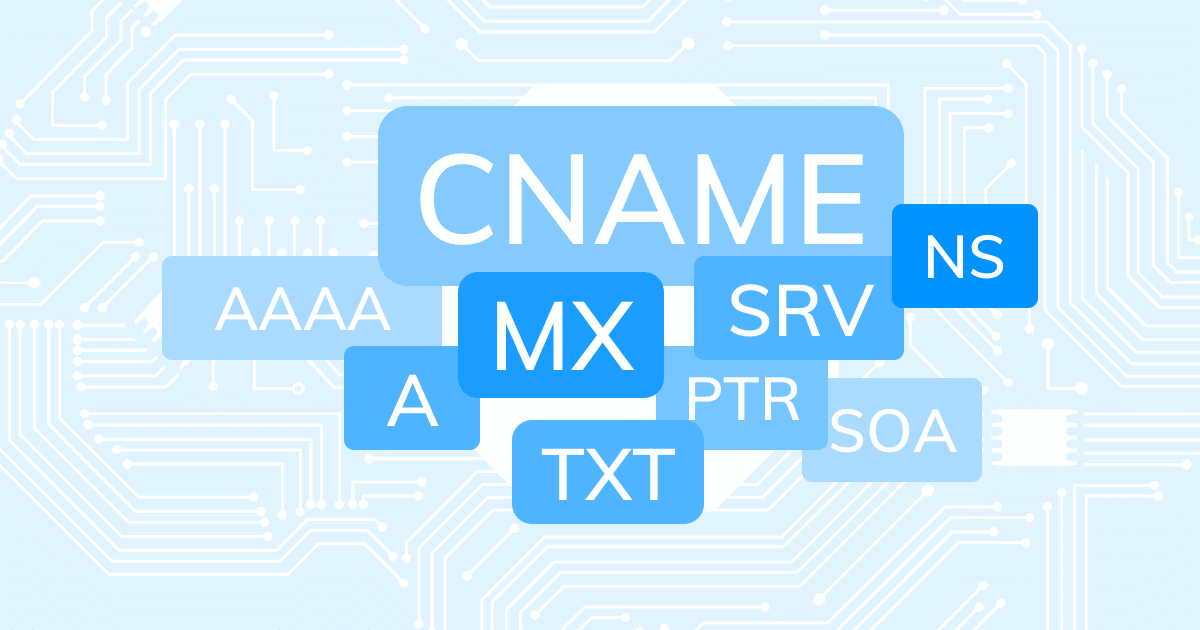
What are the different types of DNS Records

Posted on 11/04/201622/03/2023 Christian By Christian No Comments on What are the different types of DNS Records
What are the different types of DNS Records

A DNS record is used to point a domain or subdomain to an IP address. Assigning a value to an A record is as simple as providing your DNS management panel with an IP address to where the domain or subdomain should point and a TTL. DNS record contains two important fields, “Name” and “Data”….

Read More “What are the different types of DNS Records” »

Windows Server

The trust relationship between this workstation and the primary domain failed

Posted on 11/04/201606/04/2023 Christian By Christian No Comments on The trust relationship between this workstation and the primary domain failed
The trust relationship between this workstation and the primary domain failed

Windows domains provide network administrators with ways to administer devices and control them from a central location. Domains are generally made up of computers on the same local network. When a computer is joined to a domain, it doesn’t use its own local user accounts. User accounts and passwords are managed on the domain controller….

Read More “The trust relationship between this workstation and the primary domain failed” »

Windows Server

Posts pagination

Previous 1 … 42 43

Microsoft MVP

VEEAMLEGEND

vexpert-badge-stars-5

Virtual Background

GoogleNews

Categories

veeaam100

sysadmin top30a

  • image 29
    How to force your website to redirect from HTTP to HTTPS using a web.config file Network | Monitoring
  • 5rgh65436
    New Windows 11 encryption features and security enhancements for Hybrid Work Security | Vulnerability Scans and Assessment
  • drivelock 1280x720 1
    Concept of DriveLock with a focus on Encryption Security | Vulnerability Scans and Assessment
  • Featured image TeamsGif.
    How to fix Microsoft Teams GIFs or Images not working Windows
  • wac
    Fix Windows Admin Center cannot be reached Windows
  • Featured image Desktop Stickers
    How to create Desktop Stickers in Windows 11 Windows
  • ERRORFEATURE
    How to Fix 404 Not Found Repository Errors in Ubuntu/Debian distribution Linux
  • ghfg 1
    Handy WSUS Commands: Windows Server Update Services Commands, WAUACLT, PowerShell and USOClient Windows Server

Subscribe to Blog via Email

Enter your email address to subscribe to this blog and receive notifications of new posts by email.

Join 1,836 other subscribers
  • RSS - Posts
  • RSS - Comments
  • About
  • Authors
  • Write for us
  • Advertise with us
  • General Terms and Conditions
  • Privacy policy
  • Feedly
  • Telegram
  • Youtube
  • Facebook
  • Instagram
  • LinkedIn
  • Tumblr
  • Pinterest
  • Twitter
  • mastodon

Tags

AWS Azure Bitlocker Microsoft Windows PowerShell WDS Windows 10 Windows 11 Windows Deployment Services Windows Server 2016

Copyright © 2025 TechDirectArchive


Loading Comments...
 

You must be logged in to post a comment.