Skip to content

TechDirectArchive

Hands-on IT, Cloud, Security & DevOps Insights

  • Home
  • About
  • Advertise With US
  • Contact
  • Reviews
  • Toggle search form
  • removeguesttrello
    Remove a member from Trello Workspace: How to add or remove a Board Guest to a Trello Board JIRA|Confluence|Apps
  • cloudqueryfeature
    How to Manage Cloud Assets in AWS with CloudQuery AWS/Azure/OpenShift
  • Restrict the number of tabs a user can open in Chrome and Edge
    Restrict the number of tabs a user can open in Chrome and Edge Network | Monitoring
  • nonRDP admin
    Allow RDP access for non administrators: Add User to Remote Desktop Users Group in Active Directory Windows Server
  • banner 1
    How to fix Windows Microsoft Store not opening Windows
  • winn 11 3
    Enable HyperV on Windows: How to install Windows 11 on HyperV Windows
  • windows 10 keyboard shortcut 1024x512 1
    How to create a Desktop shortcut in Windows Windows
  • CI With GitLab 1
    Build Docker Images with GitLab CI Automation

Tag: Remote Desktop Services

The following servers in this deployment are not part of the deployment Pool: Create an RDS Session Host and Collection

Posted on 29/03/202322/08/2023 Christian By Christian No Comments on The following servers in this deployment are not part of the deployment Pool: Create an RDS Session Host and Collection
The following servers in this deployment are not part of the deployment Pool: Create an RDS Session Host and Collection

A Remote Desktop Service (RDS) deployment pool is a collection of RD Session Host servers that work together to provide remote desktop and application services to users. The RD Session Host servers in the pool can be load-balanced to optimize resource usage and improve performance. In this guide, we shall be discussing the steps to…

Read More “The following servers in this deployment are not part of the deployment Pool: Create an RDS Session Host and Collection” »

Windows Server

Can’t connect via RDP upon installing Norton 360

Posted on 01/03/202310/11/2023 Christian By Christian 2 Comments on Can’t connect via RDP upon installing Norton 360
Can’t connect via RDP upon installing Norton 360

In an RDP setup, a client connects to another computer running RDP server software. You can use the Remote Desktop Connection (mstsc.exe) on Windows, the Microsoft Remote Desktop App on Mac to connect to and control your Windows PC from a remote device. When you allow remote desktop connections to your PC, you can use…

Read More “Can’t connect via RDP upon installing Norton 360” »

Anti-Virus Solution, Network | Monitoring, Windows

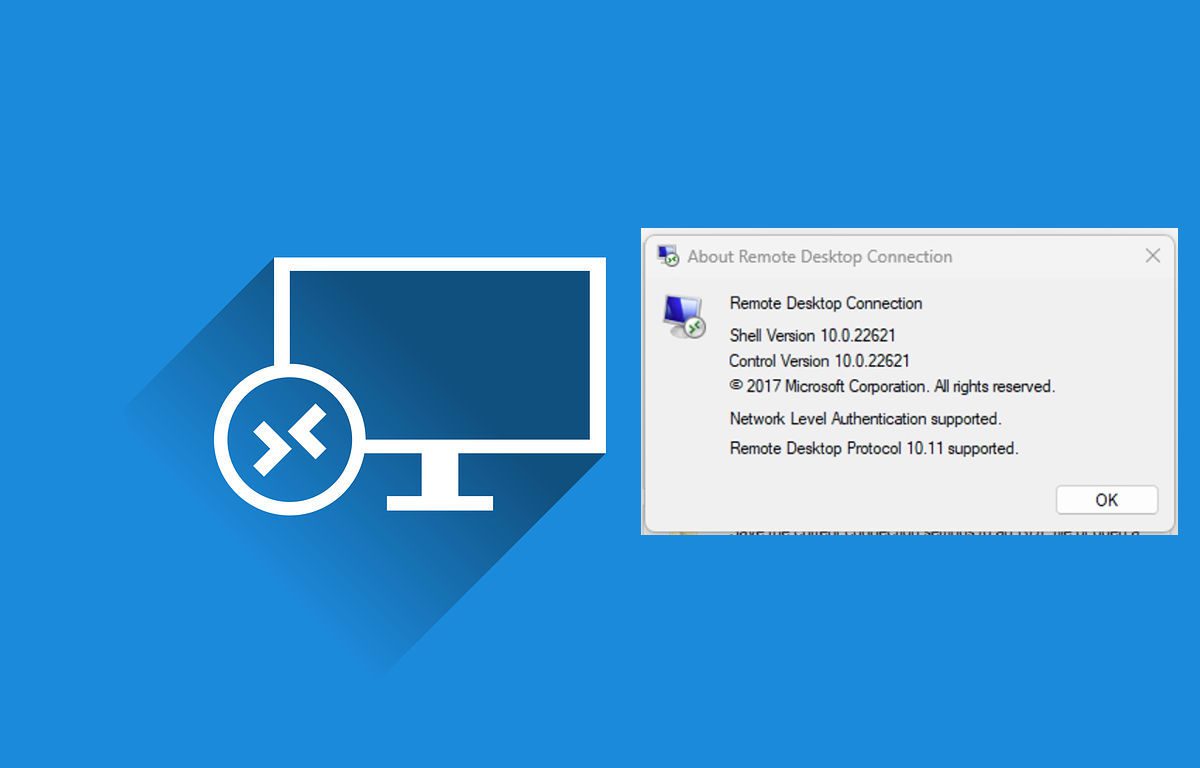
Determine the Remote Desktop Client Version

Posted on 24/02/202314/03/2023 Christian By Christian No Comments on Determine the Remote Desktop Client Version
Determine the Remote Desktop Client Version

The Remote Desktop Protocol (RDP) is a proprietary protocol developed by Microsoft which is used for connecting to devices remotely. Remote desktop software can use several different protocols, including RDP, Independent Computing Architecture (ICA), and virtual network computing (VNC). It is worth mentioning that RDP is one of the most widely used protocols today. The Remote…

Read More “Determine the Remote Desktop Client Version” »

Windows, Windows Server

Connect to the Remote Desktop Console from Command Prompt

Posted on 21/12/202224/10/2024 Christian By Christian No Comments on Connect to the Remote Desktop Console from Command Prompt
Connect to the Remote Desktop Console from Command Prompt

In this article, you will learn about how to Connect to the Remote Desktop Console from Command Prompt. Remote Desktop Protocol is a proprietary protocol developed by Microsoft which provides a user with a graphical interface to connect to another computer over a network connection. Please see How to allow saved credentials for RDP connection,…

Read More “Connect to the Remote Desktop Console from Command Prompt” »

Windows, Windows Server

Protect Remote Desktop credentials with Windows Defender Remote Credential Guard or Restricted Admin Mode

Posted on 21/12/202218/03/2025 Christian By Christian No Comments on Protect Remote Desktop credentials with Windows Defender Remote Credential Guard or Restricted Admin Mode
Protect Remote Desktop credentials with Windows Defender Remote Credential Guard or Restricted Admin Mode

Remote Defender Credential Guide was introduced in Windows 10 version 1607 to be precise. It helps safeguard (protect) your credentials over a Remote Desktop connection by redirecting Kerberos requests back to the device that’s requesting the connection. It also provides single sign-on experiences for Remote Desktop sessions. In this guide, you will learn how to…

Read More “Protect Remote Desktop credentials with Windows Defender Remote Credential Guard or Restricted Admin Mode” »

Windows

RDS client access licenses: How to install a new Per User Remote Desktop Services license

Posted on 24/08/202228/08/2023 Christian By Christian 1 Comment on RDS client access licenses: How to install a new Per User Remote Desktop Services license
RDS client access licenses: How to install a new Per User Remote Desktop Services license

Remote Desktop Services (RDS) previously referred to as Terminal Server is a feature that you can use to connect to servers remotely. Each user and device that connects to a Remote Desktop Session host need a client access license (CAL). You use RD Licensing to install, issue, and track RDS CALs. When a user or…

Read More “RDS client access licenses: How to install a new Per User Remote Desktop Services license” »

Windows Server

How to Remove and Manage RDS Licenses

Posted on 21/06/202209/06/2023 Imoh Etuk By Imoh Etuk No Comments on How to Remove and Manage RDS Licenses
How to Remove and Manage RDS Licenses

According to Microsoft documentation, when an unlicensed client connects for the first time to a terminal server, the terminal server issues a temporary Terminal Server Client Access License (CAL) token to the client. The Terminal Server instructs the License Server to mark the issued temporary Terminal Server CAL token as validated after the user logs…

Read More “How to Remove and Manage RDS Licenses” »

Web Server, Windows, Windows Server

How to Enable and Disable WMI Traffic through Windows CMD

Posted on 21/05/202225/03/2024 Matthew By Matthew No Comments on How to Enable and Disable WMI Traffic through Windows CMD
How to Enable and Disable WMI Traffic through Windows CMD

This guide will show you how to Enable and Disable WMI Traffic through Windows CMD. If you want to enable or disable a particular Windows management Instrumentations (WMI) traffic rule, you can use a special command that targets only the service you wish to activate or deactivate. To enable or disable all WMI traffic rules…

Read More “How to Enable and Disable WMI Traffic through Windows CMD” »

Windows

How to enable or disable a Remote WMI Connection in Windows

Posted on 21/05/202202/07/2025 Matthew By Matthew No Comments on How to enable or disable a Remote WMI Connection in Windows
How to enable or disable a Remote WMI Connection in Windows

To enable or disable a Remote WMI Connection in Windows, employ Command Prompt. Manage multiple WMI rules swiftly, enhancing system control. Enabling these rules allows WMI to accept remote connections and asynchronous callbacks from Unsecapp.exe. This comprehensive guide outlines the process for managing WMI traffic directly from the command prompt, providing valuable insights into controlling…

Read More “How to enable or disable a Remote WMI Connection in Windows” »

Windows

Remote WMI Connection: How to enable or disable WMI Traffic Using Firewall UI

Posted on 21/05/202225/03/2024 Matthew By Matthew No Comments on Remote WMI Connection: How to enable or disable WMI Traffic Using Firewall UI
Remote WMI Connection: How to enable or disable WMI Traffic Using Firewall UI

In this article, we shall discuss “Remote WMI Connection: How to enable or disable WMI Traffic Using Firewall UI”. Windows Management Instrumentation (WMI) is a collection of Microsoft specifications for configuring and managing devices and applications on a network using Windows computing systems. WMI informs users of the state of local or remote computer systems….

Read More “Remote WMI Connection: How to enable or disable WMI Traffic Using Firewall UI” »

Windows

How to install RDS via Quick Start Deployment: Install, Publish, Update, and Uninstall Remote Desktop Web Client

Posted on 29/04/202229/03/2023 Imoh Etuk By Imoh Etuk No Comments on How to install RDS via Quick Start Deployment: Install, Publish, Update, and Uninstall Remote Desktop Web Client
How to install RDS via Quick Start Deployment: Install, Publish, Update, and Uninstall Remote Desktop Web Client

The RD Web Client supplements, but does not replace, Microsoft’s native Remote Desktop Protocol (RDP) clients. It can be installed on Windows Server 2016 and 2019, and all that is required is a modern browser on the user’s device. Microsoft has added RDP support to various platforms in recent years. Native clients for macOS, iOS,…

Read More “How to install RDS via Quick Start Deployment: Install, Publish, Update, and Uninstall Remote Desktop Web Client” »

Web Server, Windows, Windows Server

RDP Users are unable to change Passwords

Posted on 15/09/202104/03/2025 Christian By Christian 3 Comments on RDP Users are unable to change Passwords
RDP Users are unable to change Passwords

A password is a string of characters used to verify the identity of a user during the authentication process. This guide will show you how to fix “RDP Users are unable to change Passwords”. Kindly refer to the following guides on how to perform these related tasks: How to create a desktop shortcut in Windows 10 to switch…

Read More “RDP Users are unable to change Passwords” »

Windows Server

Remote Desktop Services Setup on Windows Server

Posted on 24/05/201825/08/2023 Christian By Christian No Comments on Remote Desktop Services Setup on Windows Server
Remote Desktop Services Setup on Windows Server

Remote Desktop Services, known as Terminal Services in Windows Server 2008 and earlier, is one of the components of Microsoft Windows that allow a user to take control of a remote computer or virtual machine over a network connection. Here are the step-by-step guide for installing Remote Desktop Services Setup on Windows Server. Kindly refer…

Read More “Remote Desktop Services Setup on Windows Server” »

Windows Server

Microsoft MVP

VEEAMLEGEND

vexpert-badge-stars-5

Virtual Background

GoogleNews

Categories

veeaam100

sysadmin top30a

  • removeguesttrello
    Remove a member from Trello Workspace: How to add or remove a Board Guest to a Trello Board JIRA|Confluence|Apps
  • cloudqueryfeature
    How to Manage Cloud Assets in AWS with CloudQuery AWS/Azure/OpenShift
  • Restrict the number of tabs a user can open in Chrome and Edge
    Restrict the number of tabs a user can open in Chrome and Edge Network | Monitoring
  • nonRDP admin
    Allow RDP access for non administrators: Add User to Remote Desktop Users Group in Active Directory Windows Server
  • banner 1
    How to fix Windows Microsoft Store not opening Windows
  • winn 11 3
    Enable HyperV on Windows: How to install Windows 11 on HyperV Windows
  • windows 10 keyboard shortcut 1024x512 1
    How to create a Desktop shortcut in Windows Windows
  • CI With GitLab 1
    Build Docker Images with GitLab CI Automation

Subscribe to Blog via Email

Enter your email address to subscribe to this blog and receive notifications of new posts by email.

Join 1,839 other subscribers
  • RSS - Posts
  • RSS - Comments
  • About
  • Authors
  • Write for us
  • Advertise with us
  • General Terms and Conditions
  • Privacy policy
  • Feedly
  • Telegram
  • Youtube
  • Facebook
  • Instagram
  • LinkedIn
  • Tumblr
  • Pinterest
  • Twitter
  • mastodon

Tags

AWS Azure Bitlocker Microsoft Windows PowerShell WDS Windows 10 Windows 11 Windows Deployment Services Windows Server 2016

Copyright © 2025 TechDirectArchive