Skip to content

TechDirectArchive

Hands-on IT, Cloud, Security & DevOps Insights

  • Home
  • About
  • Advertise With US
  • Reviews
  • Contact
  • Toggle search form

Tag: Remote Desktop

Allow RDP access for non administrators: Add User to Remote Desktop Users Group in Active Directory

Posted on 07/10/202124/10/2024 Christian By Christian 3 Comments on Allow RDP access for non administrators: Add User to Remote Desktop Users Group in Active Directory
Allow RDP access for non administrators: Add User to Remote Desktop Users Group in Active Directory

Remote Desktop is a feature that you can use to connect to devices remotely. With this feature, you can control other devices as if you had local access. RDP is designed to support different types of network topologies and multiple LAN protocols. In this article, we’ll show how to Allow RDP access for non administrators:…
Read More “Allow RDP access for non administrators: Add User to Remote Desktop Users Group in Active Directory” »

Windows Server

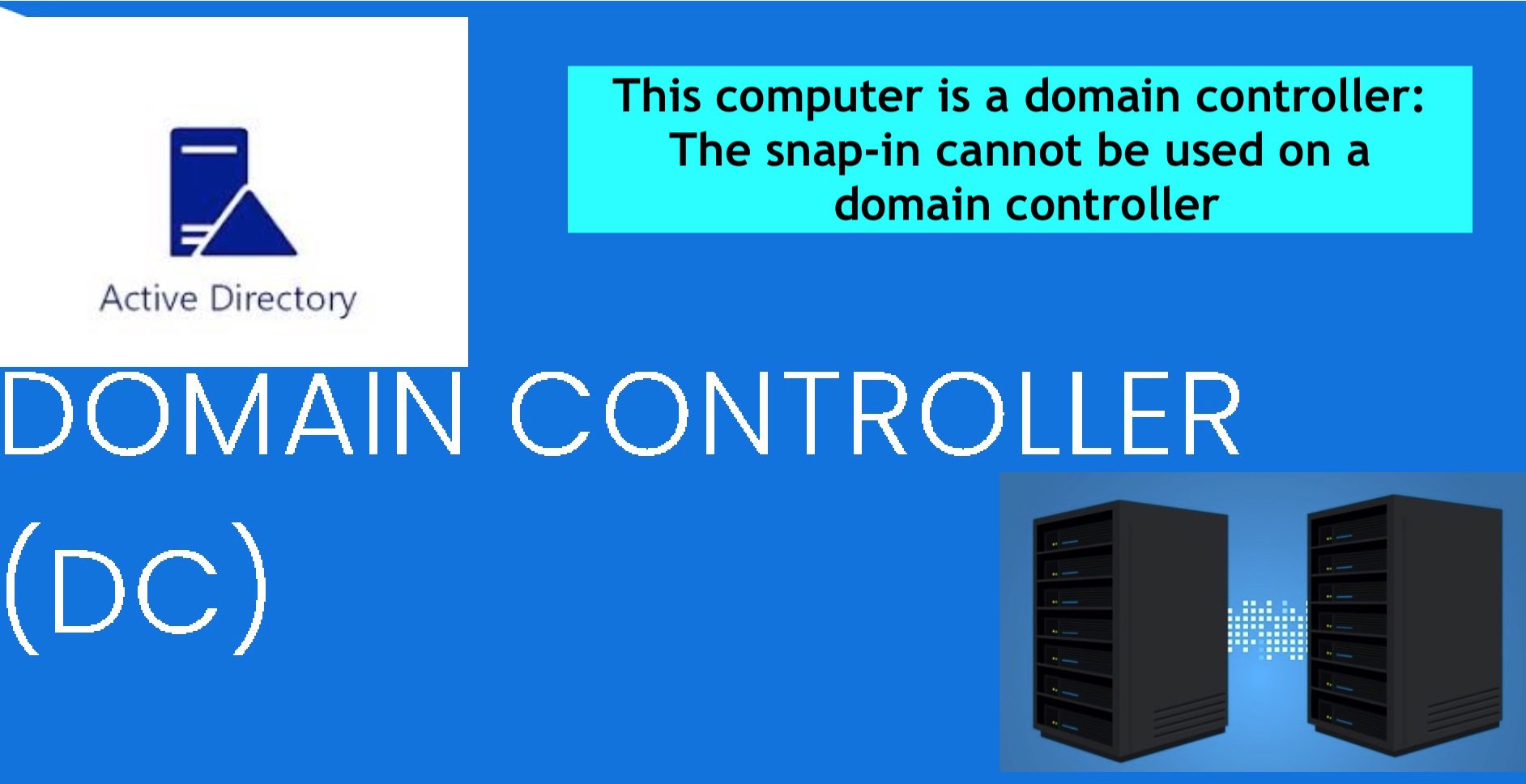
How to fix this computer is a domain controller: The snap-in cannot be used on a domain controller

Posted on 06/10/202126/05/2023 Christian By Christian No Comments on How to fix this computer is a domain controller: The snap-in cannot be used on a domain controller
How to fix this computer is a domain controller: The snap-in cannot be used on a domain controller

Remote Desktop Protocol (RDP) is a special network protocol that allows a user to establish a connection between two computers. For every connection made to a remote PC, the RDP client in Windows (mstsc.exe) saves the computer name or an IP Address and also the username used to log on. See the following guide on…

Read More “How to fix this computer is a domain controller: The snap-in cannot be used on a domain controller” »

Windows Server

The connection was denied because the user is not authorized for remote Login: Enable Remote Desktop Connection on Windows 11 for non-administrators or selected users

Posted on 06/10/202126/08/2023 Christian By Christian No Comments on The connection was denied because the user is not authorized for remote Login: Enable Remote Desktop Connection on Windows 11 for non-administrators or selected users
The connection was denied because the user is not authorized for remote Login: Enable Remote Desktop Connection on Windows 11 for non-administrators  or selected users

The Microsoft Remote Desktop Protocol (RDP) provides remote display and input capabilities over network connections for Windows-based applications running on a server. RDP is designed to support different types of network topologies and multiple LAN protocols. Remote Desktop Protocol or just RDP allows a user to establish a connection between two computers and access the…

Read More “The connection was denied because the user is not authorized for remote Login: Enable Remote Desktop Connection on Windows 11 for non-administrators or selected users” »

Windows

Is RDP enabled? Enable and disable Remote Desktop in Windows 10 for all users or selected users

Posted on 03/10/202124/10/2024 Christian By Christian 2 Comments on Is RDP enabled? Enable and disable Remote Desktop in Windows 10 for all users or selected users
Is RDP enabled? Enable and disable Remote Desktop in Windows 10 for all users or selected users

In this article, we shall discuss “Is RDP enabled? Enable and disable Remote Desktop in Windows for all users or selected users via CMD, PowerShell, Control Panel, and Windows Settings”. See the following guide on how to remove saved RDP credentials entries in Windows 10 and How to remove RDP connection entries. RDP is based on, and an…

Read More “Is RDP enabled? Enable and disable Remote Desktop in Windows 10 for all users or selected users” »

Windows

RDP Users are unable to change Passwords

Posted on 15/09/202104/03/2025 Christian By Christian 3 Comments on RDP Users are unable to change Passwords
RDP Users are unable to change Passwords

A password is a string of characters used to verify the identity of a user during the authentication process. This guide will show you how to fix “RDP Users are unable to change Passwords”. Kindly refer to the following guides on how to perform these related tasks: How to create a desktop shortcut in Windows 10 to switch…

Read More “RDP Users are unable to change Passwords” »

Windows Server

Change expired RDP Password: How to change a password on a Remote Desktop session

Posted on 11/09/202121/09/2023 Christian By Christian 2 Comments on Change expired RDP Password: How to change a password on a Remote Desktop session
Change expired RDP Password: How to change a password on a Remote Desktop session

A remote desktop is a program that enables you to connect to a different device and control it remotely as if you were directly connected in person. They are used for IT support and maintenance. They allow support staff to operate off-site, but they are also popular as a mobile office solution. In this article,…

Read More “Change expired RDP Password: How to change a password on a Remote Desktop session” »

Windows Server

The connection was denied because the user account is not authorized for remote login: How to add and remove Remote Desktop Users

Posted on 11/08/202108/09/2023 Christian By Christian No Comments on The connection was denied because the user account is not authorized for remote login: How to add and remove Remote Desktop Users
The connection was denied because the user account is not authorized for remote login: How to add and remove Remote Desktop Users

The Remote Desktop Protocol (RDP) is a protocol developed by Microsoft for remote access to a device running the Windows operating system. With this protocol, screen displays and control commands can be encrypted and transmitted over IP networks. Kindly refer to the related guide on how to reset your built-in (Local) Administrator’s password in Windows…

Read More “The connection was denied because the user account is not authorized for remote login: How to add and remove Remote Desktop Users” »

Windows

Fix Windows 11 Remote Desktop Connectivity Error code 0x204

Posted on 29/06/202104/02/2025 Christian By Christian 2 Comments on Fix Windows 11 Remote Desktop Connectivity Error code 0x204
Fix Windows 11 Remote Desktop Connectivity Error code 0x204

Remote Desktop Protocol or just RDP is a special network protocol that allows a user to establish a connection between two computers and access the Desktop of a remote host. For every connection made to a remote PC, the RDP client in Windows (mstsc.exe) saves the computer name or an IP Address and also the…

Read More “Fix Windows 11 Remote Desktop Connectivity Error code 0x204” »

Windows

How to fix Remote Desktop can’t connect to the remote computer for one of these reasons

Posted on 15/03/202106/09/2023 Christian By Christian No Comments on How to fix Remote Desktop can’t connect to the remote computer for one of these reasons
How to fix Remote Desktop can’t connect to the remote computer for one of these reasons

Remote Desktop is one of the rich features of Windows 10 which enables users to remotely connect to computer devices. With the help of an internet connection, users can share their desktop screen with any other computer device located remotely. For other topics on RDP, see the following hyperlinks. How to allow saved credentials for RDP connection,…

Read More “How to fix Remote Desktop can’t connect to the remote computer for one of these reasons” »

Windows Server

Fix Remote Desktop Connection issues (Error 0x204)

Posted on 12/01/202104/02/2025 Christian By Christian 1 Comment on Fix Remote Desktop Connection issues (Error 0x204)
Fix Remote Desktop Connection issues (Error 0x204)

In this article, we shall discuss how to Fix Remote Desktop Connection issues (Error 0x204). Remote Desktop Protocol is a proprietary protocol developed by Microsoft which provides a user with a graphical interface to connect to another computer over a network connection. The user employs RDP client software for this purpose, while the other computer…

Read More “Fix Remote Desktop Connection issues (Error 0x204)” »

Windows

Error 1707: Network address invalid when trying to connect remotely

Posted on 13/11/202030/12/2023 Christian By Christian No Comments on Error 1707: Network address invalid when trying to connect remotely
Error 1707: Network address invalid when trying to connect remotely

In this article, we shall discuss the steps to fix “Error 1707: Network address invalid when connecting remotely”. A network address is referred to as an identifier of a node or host on a network. Here are some other similar errors relating to RDP “The logon attempt failed for the remote desktop connection, We could…

Read More “Error 1707: Network address invalid when trying to connect remotely” »

Windows

The logon attempt failed for the remote desktop connection

Posted on 09/11/202010/09/2023 Christian By Christian No Comments on The logon attempt failed for the remote desktop connection
The logon attempt failed for the remote desktop connection

Remote Desktop is one of the rich features of Windows 10 which enables users to remotely connect to computer devices. With the help of an internet connection, users can share their desktop screen with any other computer device located remotely. Here are some guides that I have written on RDP, how to allow saved credentials…

Read More “The logon attempt failed for the remote desktop connection” »

Windows Server

Fix Error code 0x4 Session disconnected: Your session ended because of an error, if this keeps happening, contact your system administrator

Posted on 07/08/202024/09/2024 Christian By Christian 4 Comments on Fix Error code 0x4 Session disconnected: Your session ended because of an error, if this keeps happening, contact your system administrator
Fix Error code 0x4 Session disconnected: Your session ended because of an error, if this keeps happening, contact your system administrator

Remote Desktop Protocol (RDP) is a proprietary protocol developed by Microsoft. It provides a user with a graphical interface to connect to another computer over a network connection. In this article, we will discuss how to “Fix Error code 0x4 Session disconnected: Your session ended because of an error, if this keeps happening, contact your system administrator’. You will receive the…

Read More “Fix Error code 0x4 Session disconnected: Your session ended because of an error, if this keeps happening, contact your system administrator” »

Windows

Posts pagination

Previous 1 2 3 4 Next

Microsoft MVP

VEEAMLEGEND

vexpert-badge-stars-5

Virtual Background

GoogleNews

Categories

veeaam100

Veeam Vanguard

  • apache ubuntu 20 04
    How to Install Apache HTTP Server on Ubuntu 20.04 LTS Linux
  • Open Outlook links from your default browser
    How to stop Outlook from opening links in Edge Browser Network | Monitoring
  • mgithub
    How to use Command-Line on Git Bash and GitHub Desktop to PUSH local code to GitHub Version Control System
  • you need the right to sign in through Remote Desktop Services
    Fix you need the right to sign in through Remote Desktop Services Windows
  • GoogleTimeError
    Google Chrome reports your clock is behind: How to fix clock synchronization issues in Windows Windows
  • ADO Self hosted agent
    How to Create Self-Hosted Agent for Azure DevOps Pipelines Automation
  • Featured image
    Tamper Protection for Microsoft Defender on Windows 10 [Part 1] Security | Vulnerability Scans and Assessment
  • How to upgrade Trellix ePolicy Orchestrator
    How to upgrade Trellix ePolicy Orchestrator Security | Vulnerability Scans and Assessment

Subscribe to Blog via Email

Enter your email address to subscribe to this blog and receive notifications of new posts by email.

Join 1,811 other subscribers
  • RSS - Posts
  • RSS - Comments
  • About
  • Authors
  • Write for us
  • Advertise with us
  • General Terms and Conditions
  • Privacy policy
  • Feedly
  • Telegram
  • Youtube
  • Facebook
  • Instagram
  • LinkedIn
  • Tumblr
  • Pinterest
  • Twitter
  • mastodon

Tags

Active Directory Azure Bitlocker Microsoft Windows PowerShell WDS Windows 10 Windows 11 Windows Deployment Services Windows Server 2016

Copyright © 2025 TechDirectArchive