Skip to content

TechDirectArchive

Hands-on IT, Cloud, Security & DevOps Insights

  • Home
  • About
  • Advertise With US
  • Reviews
  • Contact
  • Toggle search form
Home » Windows Server » Specify user account name when adding a DC to an existing Forest
  • banner
    How to hide Folders and Files from Search Results in Windows Windows
  • ShieldServersSmall
    How to track your device performance and health via Windows Security in Windows 10 Windows
  • Veeam SureBackup
    Ensuring Backup Integrity and Reliable Recovery with SureBackup Backup
  • How to create an Advanced Windows Scheduled Task Windows Server
  • BitLocker34
    BitLocker Back Door: Stolen laptop to inside the company network Security | Vulnerability Scans and Assessment
  • Watchguard Firewall 180504 100511 1
    Reset an XTM Firebox Device: Easy Guide Network | Monitoring
  • opsworks for automate blog
    How to setup Chef Automate on AWS Configuration Management Tool
  • ansible logo600 591x296 1 1
    Ansible error: Server unreachable, ssl: auth method ssl requires a password Configuration Management Tool

Specify user account name when adding a DC to an existing Forest

Posted on 05/01/202009/10/2024 Christian By Christian 1 Comment on Specify user account name when adding a DC to an existing Forest
Specifiy the right credential for adding a domain

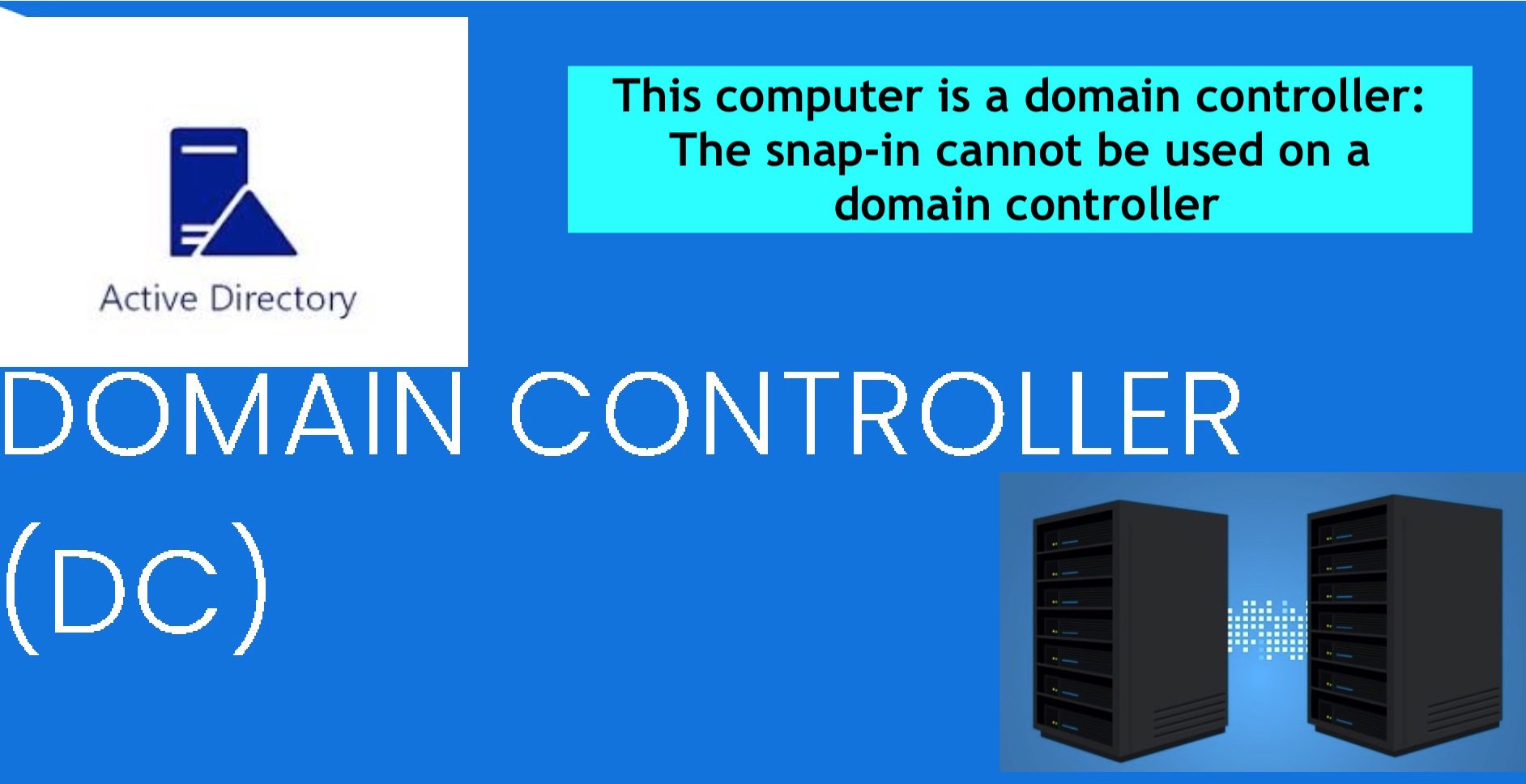
When the following error is prompted “You must specify user account name when adding a DC to an existing Forest”. This is because, when adding a new Domain Controller (DC) to an existing Active Directory (AD) forest. You must provide the credentials of a user account with sufficient privileges. Please see Active Directory: How to Setup a Domain Controller, how to access shared resources from two different domains, and how to install and configure Active Directory Domain Services on Windows Server 2022.

Note: This account must be a member of the Enterprise Admins group within the forest. Or Domain Admins (in the target domain) is used in adding a DC to a child domain. You could also delegate the permission as well.

Also, see “Enter connection information for your on-premise directory or forests: Azure AD connect unable to connect directory, forest not available. Here is a guide on ‘Active Directory Forest – Trees and Domain and Sites“.

Adding DC to Existing Forest: User Account Name Error Fix

As discussed above, the problem here was that Windows refused to use the default administrators credential.

error message

Solution

Created a new user account in the domain, and add the user as a Domain administrator or Enterprise Administrator group. This will resolve the issue.

I hope you found this article very useful on “Specify user account name when adding a DC to an existing Forest”. Please feel free to leave a comment below.

5/5 - (1 vote)

Thank you for reading this post. Kindly share it with others.

  • Click to share on X (Opens in new window) X
  • Click to share on Reddit (Opens in new window) Reddit
  • Click to share on LinkedIn (Opens in new window) LinkedIn
  • Click to share on Facebook (Opens in new window) Facebook
  • Click to share on Pinterest (Opens in new window) Pinterest
  • Click to share on Tumblr (Opens in new window) Tumblr
  • Click to share on Telegram (Opens in new window) Telegram
  • Click to share on WhatsApp (Opens in new window) WhatsApp
  • Click to share on Pocket (Opens in new window) Pocket
  • Click to share on Mastodon (Opens in new window) Mastodon
  • Click to share on Bluesky (Opens in new window) Bluesky
  • Click to share on Threads (Opens in new window) Threads
  • Click to share on Nextdoor (Opens in new window) Nextdoor
Windows Server Tags:DC, Domain Controller, Domain Controller Setup, Microsoft Windows

Post navigation

Previous Post: How to create a Microsoft HyperV checkpoint
Next Post: How to set up Windows Admin Center on a Windows Server

Related Posts

  • Computer policy could not be updated
    How to fix Computer Policy could not be updated successfully Windows
  • How to determine Active Directory Site Name
    How to determine Active Directory Site Name Network | Monitoring
  • microsoft logo rgb wht
    All about Group Policies: Group Policy GPUpdate Commands Windows Server
  • Uninstall MicrosoftDefenderUpdate
    What you need to know about Microsoft Defender Antivirus Security | Vulnerability Scans and Assessment
  • Windows 11 taskbar features remove 1
    How to modify Windows 11 Taskbar via Intune and GPO Windows
  • Windows Server
    Migrate Roles and Features to Windows Server 2022 using WSMT Windows

More Related Articles

Computer policy could not be updated How to fix Computer Policy could not be updated successfully Windows
How to determine Active Directory Site Name How to determine Active Directory Site Name Network | Monitoring
microsoft logo rgb wht All about Group Policies: Group Policy GPUpdate Commands Windows Server
Uninstall MicrosoftDefenderUpdate What you need to know about Microsoft Defender Antivirus Security | Vulnerability Scans and Assessment
Windows 11 taskbar features remove 1 How to modify Windows 11 Taskbar via Intune and GPO Windows
Windows Server Migrate Roles and Features to Windows Server 2022 using WSMT Windows

Comment (1) on “Specify user account name when adding a DC to an existing Forest”

  1. Avatar photo Kamlesh says:
    14/09/2022 at 5:27 AM

    i created user but not happening

    Log in to Reply

Leave a Reply Cancel reply

You must be logged in to post a comment.

Microsoft MVP

VEEAMLEGEND

vexpert-badge-stars-5

Virtual Background

GoogleNews

Categories

veeaam100

sysadmin top30a
 
  • banner
    How to hide Folders and Files from Search Results in Windows Windows
  • ShieldServersSmall
    How to track your device performance and health via Windows Security in Windows 10 Windows
  • Veeam SureBackup
    Ensuring Backup Integrity and Reliable Recovery with SureBackup Backup
  • How to create an Advanced Windows Scheduled Task Windows Server
  • BitLocker34
    BitLocker Back Door: Stolen laptop to inside the company network Security | Vulnerability Scans and Assessment
  • Watchguard Firewall 180504 100511 1
    Reset an XTM Firebox Device: Easy Guide Network | Monitoring
  • opsworks for automate blog
    How to setup Chef Automate on AWS Configuration Management Tool
  • ansible logo600 591x296 1 1
    Ansible error: Server unreachable, ssl: auth method ssl requires a password Configuration Management Tool

Subscribe to Blog via Email

Enter your email address to subscribe to this blog and receive notifications of new posts by email.

Join 1,840 other subscribers
  • RSS - Posts
  • RSS - Comments
  • About
  • Authors
  • Write for us
  • Advertise with us
  • General Terms and Conditions
  • Privacy policy
  • Feedly
  • Telegram
  • Youtube
  • Facebook
  • Instagram
  • LinkedIn
  • Tumblr
  • Pinterest
  • Twitter
  • mastodon

Tags

AWS Azure Bitlocker Microsoft Windows PowerShell WDS Windows 10 Windows 11 Windows Deployment Services Windows Server 2016

Copyright © 2025 TechDirectArchive


Loading Comments...
 

You must be logged in to post a comment.