Skip to content

TechDirectArchive

Hands-on IT, Cloud, Security & DevOps Insights

  • Home
  • About
  • Advertise With US
  • Contact
  • Reviews
  • Toggle search form

Tag: Microsoft Windows

How to install and debug logs with the CMTrace Tool

Posted on 21/07/202120/02/2024 Christian By Christian 1 Comment on How to install and debug logs with the CMTrace Tool
How to install  and debug logs with the CMTrace Tool

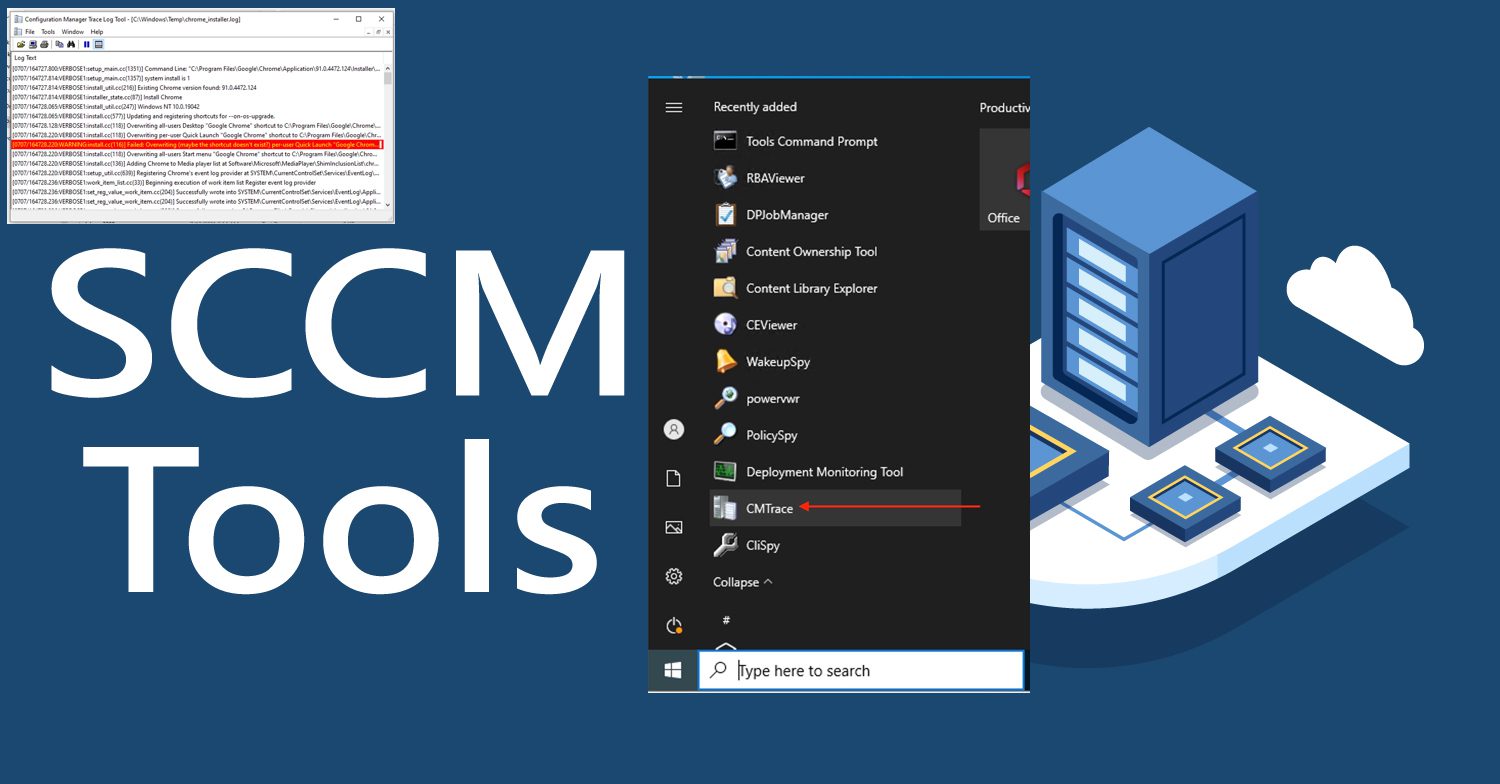
CMTrace Log Viewer is also referred to as the CMTrace tool (previously called Trace32). It is a tool from Microsoft to view log files such as Microsoft Deployment Toolkit (MDT), Microsoft Software Center Configuration Manager (SCCM), DISM, and many others. Though, mostly for SCCM as it is part of “Configuration Manager Tools”. In this guide,…

Read More “How to install and debug logs with the CMTrace Tool” »

Windows Server

Install and configure Hyper-V Cluster On Windows Server

Posted on 19/07/202122/02/2025 Christian By Christian 2 Comments on Install and configure Hyper-V Cluster On Windows Server
Install and configure Hyper-V Cluster On Windows Server

In this article, we shall discuss how to install and configure Hyper-V Cluster On Windows Server via PowerShell and Server Manager. How to create Cluster creation in Proxmox VE, Fix “Quarantine state in Windows Failover Clusters: How to resolve quarantined Cluster Node on Hyper-V, and “DNS Bad key 9017: The Cluster Name registration failed of…

Read More “Install and configure Hyper-V Cluster On Windows Server” »

Virtualization

Fix no disks suitable for the cluster were found

Posted on 17/07/202126/04/2023 Christian By Christian No Comments on Fix no disks suitable for the cluster were found
Fix no disks suitable for the cluster were found

iSCSI allows access to a remote server (target) disk by making it virtually available as a local disk. When you configure iSCSI SAN, the iSCSI target Server is configured and therefore offers access to the shared storage. The server that connects to the iSCSI Target is referred to as the iSCSI Initiator. Below are some…

Read More “Fix no disks suitable for the cluster were found” »

Windows Server

Connectivity to a writable domain controller from a node could not be determined because of an error

Posted on 16/07/202123/12/2023 Christian By Christian No Comments on Connectivity to a writable domain controller from a node could not be determined because of an error
Connectivity to a writable domain controller from a node could not be determined because of an error

In this article, we shall discuss how to fix “Connectivity to a writable domain controller from a node could not be determined because of an error: The distinguished name of the node could not be determined”. Domain controllers are database servers with extensive directory, application, and replication features. Please see how to add and verify a custom…

Read More “Connectivity to a writable domain controller from a node could not be determined because of an error” »

Virtualization

DNS Bad key 9017: The Cluster Name registration failed of one or more associated DNS names

Posted on 16/07/202131/08/2023 Christian By Christian No Comments on DNS Bad key 9017: The Cluster Name registration failed of one or more associated DNS names
DNS Bad key 9017: The Cluster Name registration failed of one or more associated DNS names

Active Directory Domain Services (AD DS) uses Domain Name System (DNS) name resolution services to make it possible for clients to locate domain controllers and for the domain controllers that host the directory service to communicate with each other. AD DS enables easy integration of the Active Directory namespace into an existing DNS namespace. Features such as Active Directory-integrated…

Read More “DNS Bad key 9017: The Cluster Name registration failed of one or more associated DNS names” »

Virtualization

vSwitches: How to delete Virtual Switches from Hyper-V

Posted on 16/07/202131/08/2023 Christian By Christian No Comments on vSwitches: How to delete Virtual Switches from Hyper-V
vSwitches: How to delete Virtual Switches from Hyper-V

Virtual Switch (vSwitch) are software constructs that are responsible for receiving and transmitting Ethernet frames into and out of their assigned virtual machine or the management operating system. vSwitch allows communication between virtual machines and they d not just forward packets, they also intelligently direct the communication on a network by checking packets before moving them to…

Read More “vSwitches: How to delete Virtual Switches from Hyper-V” »

Virtualization

Failover Cluster Manager failed while managing one or more clusters, the error was unable to determine if the computer exists in the domain

Posted on 15/07/202101/09/2023 Christian By Christian No Comments on Failover Cluster Manager failed while managing one or more clusters, the error was unable to determine if the computer exists in the domain
Failover Cluster Manager failed while managing one or more clusters, the error was unable to determine if the computer exists in the domain

A failover cluster is a group of independent computers that work together to increase the availability and scalability of clustered roles (formerly called clustered applications and services). The clustered servers (called nodes) are connected by physical cables and by software. If one or more of the cluster nodes fail, other nodes begin to provide service…

Read More “Failover Cluster Manager failed while managing one or more clusters, the error was unable to determine if the computer exists in the domain” »

Virtualization

Domain Name System: How to create a DNS record

Posted on 15/07/202101/09/2023 Christian By Christian 3 Comments on Domain Name System: How to create a DNS record
Domain Name System: How to create a DNS record

Active Directory Domain Services (AD DS) uses Domain Name System (DNS) name resolution services to make it possible for clients to locate domain controllers and for the domain controllers that host the directory service to communicate with each other. AD DS enables easy integration of the Active Directory namespace into an existing DNS namespace. Features such as Active Directory-integrated…

Read More “Domain Name System: How to create a DNS record” »

Windows Server

Quarantine state in Windows Failover Clusters: How to resolve quarantined Cluster Node on Hyper-V

Posted on 15/07/202110/04/2024 Christian By Christian 2 Comments on Quarantine state in Windows Failover Clusters: How to resolve quarantined Cluster Node on Hyper-V
Quarantine state in Windows Failover Clusters: How to resolve quarantined Cluster Node on Hyper-V

In this artilce, we shall discuss “Quarantine state in Windows Failover Clusters: How to resolve quarantined Cluster Node on Hyper-V”. Windows Server 2016 introduced some “Node states” and one of which is the Quarantine state. Please see  A boot image was not found for HyperV Virtual Machine, and Pass-Through Authentication Authentication and ADFS environment setup on Hyper-V for…

Read More “Quarantine state in Windows Failover Clusters: How to resolve quarantined Cluster Node on Hyper-V” »

Virtualization

Install and configure iSCSI Target Server and iSCSI Initiator on a Windows Server

Posted on 14/07/202110/04/2024 Christian By Christian No Comments on Install and configure iSCSI Target Server and iSCSI Initiator on a Windows Server
Install and configure iSCSI Target Server and iSCSI Initiator on a Windows Server

In this article, we shall discuss “Install and configure iSCSI Target Server and iSCSI Initiator on a Windows Server”. iSCSI is an acronym for Internet Small Computer System Interface. It is a network protocol that encapsulates storage device communication data into IP packets for transmission over an Ethernet connection. Please see how to track your device performance and health via Windows…

Read More “Install and configure iSCSI Target Server and iSCSI Initiator on a Windows Server” »

Windows Server

SysPrep was unable to validate your Windows Installation

Posted on 10/07/202129/12/2023 Christian By Christian No Comments on SysPrep was unable to validate your Windows Installation
SysPrep was unable to validate your Windows Installation

Sysprep (System Preparation) prepares a Windows installation (Windows client and Windows Server) for imaging, allowing you to capture a customized installation. Sysprep removes PC-specific information from a Windows installation, “generalizing” the installation so it can be installed on different PCs. Kindly refer to the following related guides: Initialize and format a virtual disk: How to add and remove…

Read More “SysPrep was unable to validate your Windows Installation” »

Virtualization

Clone and Sysprep a Windows Server running on a VMware Workstation

Posted on 09/07/202129/12/2023 Christian By Christian 1 Comment on Clone and Sysprep a Windows Server running on a VMware Workstation
Clone and Sysprep a Windows Server running on a VMware Workstation

Cloning a server takes an exact copy of an existing machine. A cloned server is, for most purposes, an exact copy of the source. When a server is cloned, the SID is retained. Server cloning is a useful tool, if your need is to set up a server similar to what you already have, and…

Read More “Clone and Sysprep a Windows Server running on a VMware Workstation” »

Virtualization

Setup Hyper-V via the Server Manager or PowerShell or DISM

Posted on 08/07/202128/02/2026 Christian By Christian No Comments on Setup Hyper-V via the Server Manager or PowerShell or DISM
Setup Hyper-V via the Server Manager or PowerShell or DISM

Hyper-V is Microsoft’s hardware virtualization product. It lets you create and run a software version of a computer, called a virtual machine. Each virtual machine acts like a complete computer, running an operating system and programs. In this article, we shall discuss how to Install and Configure Hyper-V on Windows Server Server 2019, and 2022 via…

Read More “Setup Hyper-V via the Server Manager or PowerShell or DISM” »

Virtualization

Posts pagination

Previous 1 … 47 48 49 … 61 Next

Microsoft MVP

VEEAMLEGEND

vexpert-badge-stars-5

Virtual Background

GoogleNews

Categories

veeaam100

Veeam Vanguard

  • settings app not working featured 800x400 1
    Disable or Remove Kiosk Mode Via the Local Settings Windows
  • Root
    Change your root password: Manage the root user on your macOS Mac
  • Trellix configurations after ePo setup
    ePO Server Settings: Trellix ePO AD integration and ENS Agents Installation Security | Vulnerability Scans and Assessment
  • ios microsoft remote desktop app
    Remote Desktop can not find the computer FQDN and this might mean that FQDN does not belong to the specified network Windows
  • xxxxxx
    How to move the Taskbar to a second screen in Windows Windows
  • How to Make More Space Available on the Windows 11 Taskbar
    How to Make More Space Available on the Windows 11 Taskbar Windows
  • 1 kajkbmlyehn0inifwrh 8w 1
    How to configure Kerberos for Ansible Authentication Configuration Management Tool
  • youtube cover blue
    How to use the Azure Cloud Shell or Azure CLI and Azure PowerShell AWS/Azure/OpenShift

Subscribe to Blog via Email

Enter your email address to subscribe to this blog and receive notifications of new posts by email.

Join 1,808 other subscribers
  • RSS - Posts
  • RSS - Comments
  • About
  • Authors
  • Write for us
  • Advertise with us
  • General Terms and Conditions
  • Privacy policy
  • Feedly
  • Telegram
  • Youtube
  • Facebook
  • Instagram
  • LinkedIn
  • Tumblr
  • Pinterest
  • Twitter
  • mastodon

Tags

AWS Azure Bitlocker Microsoft Windows PowerShell WDS Windows 10 Windows 11 Windows Deployment Services Windows Server 2016

Copyright © 2025 TechDirectArchive