Skip to content

TechDirectArchive

Hands-on IT, Cloud, Security, Veeam & DevOps

  • Home
  • About
  • Advertise With US
  • Reviews
  • Contact
  • Toggle search form

Category: Password Manager

Secure and easy-to-use password manager to store, generate, and autofill your passwords safely across all devices.

How to configure and use Pleasant Password RDP SSO


Posted on 14/08/201917/08/2026 Christian By Christian No Comments on How to configure and use Pleasant Password RDP SSO
How to configure and use Pleasant Password RDP SSO

To configure and use Pleasant Password RDP SSO firstly, Install the RDP SSO client and SSO Server Root Certificate prior to connecting to the RDP SSO Server, you must first install the “SSO Server Root Certificate” and the “RDP SSO Client”. See the following guide on MySQL, how to reset Mysql Root password. How to…

Read More “How to configure and use Pleasant Password RDP SSO” »

Password Manager

How to use the Pleasant Password Server tool

Posted on 14/08/201917/08/2026 Christian By Christian No Comments on How to use the Pleasant Password Server tool
How to use the Pleasant Password Server tool

Pleasant Password Server is a simple and easy-to-use password management system compatible with KeePass and Password Safe. It provides secure storage and retrieval of multi-user passwords from a central server database. It utilizes administrative control over user access to passwords and secrets stored in the database. In this article, we shall discuss How to use the…

Read More “How to use the Pleasant Password Server tool” »

Password Manager

How To Use Pleasant Password Private Folder

Posted on 14/08/201917/08/2026 Christian By Christian No Comments on How To Use Pleasant Password Private Folder
How To Use Pleasant Password Private Folder

In this guide you will learn how to use Pleasant Password Private Folder. To start, ensure you follow this step before importing AD users to the Pleasant Password Server. lease see How to install Pleasant Password Server, and How To Use Pleasant Password Private Folder. Now, when users are imported from AD, they can have…

Read More “How To Use Pleasant Password Private Folder” »

Password Manager

Unable to bind to LDAP or AD in Pleasant Password Server

Posted on 14/08/201917/08/2026 Christian By Christian No Comments on Unable to bind to LDAP or AD in Pleasant Password Server
Unable to bind to LDAP or AD in Pleasant Password Server

Binding to an existing LDAP directory or Microsoft Active Directory (AD) allows you to reuse the user accounts that you already have in the directory, without having to create new accounts in the Active directory. The LDAP Bind Operation. Bind operations are used to authenticate clients (and the users or applications behind them to the…

Read More “Unable to bind to LDAP or AD in Pleasant Password Server” »

Password Manager

Pleasant User Group Permission and User Access

Posted on 13/08/201917/08/2026 Christian By Christian No Comments on Pleasant User Group Permission and User Access
Pleasant User Group Permission and User Access

In this article, we shall discuss “Pleasant User Group Permission and User Access”. Permissions are inherited or hierarchical. Therefore be careful on how you provision or give the user or group access to the resources available in the system (Passwords). Please, see How To Use Pleasant Password Private Folder, How to alter a DATABASE compatibility…

Read More “Pleasant User Group Permission and User Access” »

Password Manager

How to import Users and Groups into Pleasant Password Manager

Posted on 13/08/201917/08/2026 Christian By Christian No Comments on How to import Users and Groups into Pleasant Password Manager
How to import Users and Groups into Pleasant Password Manager

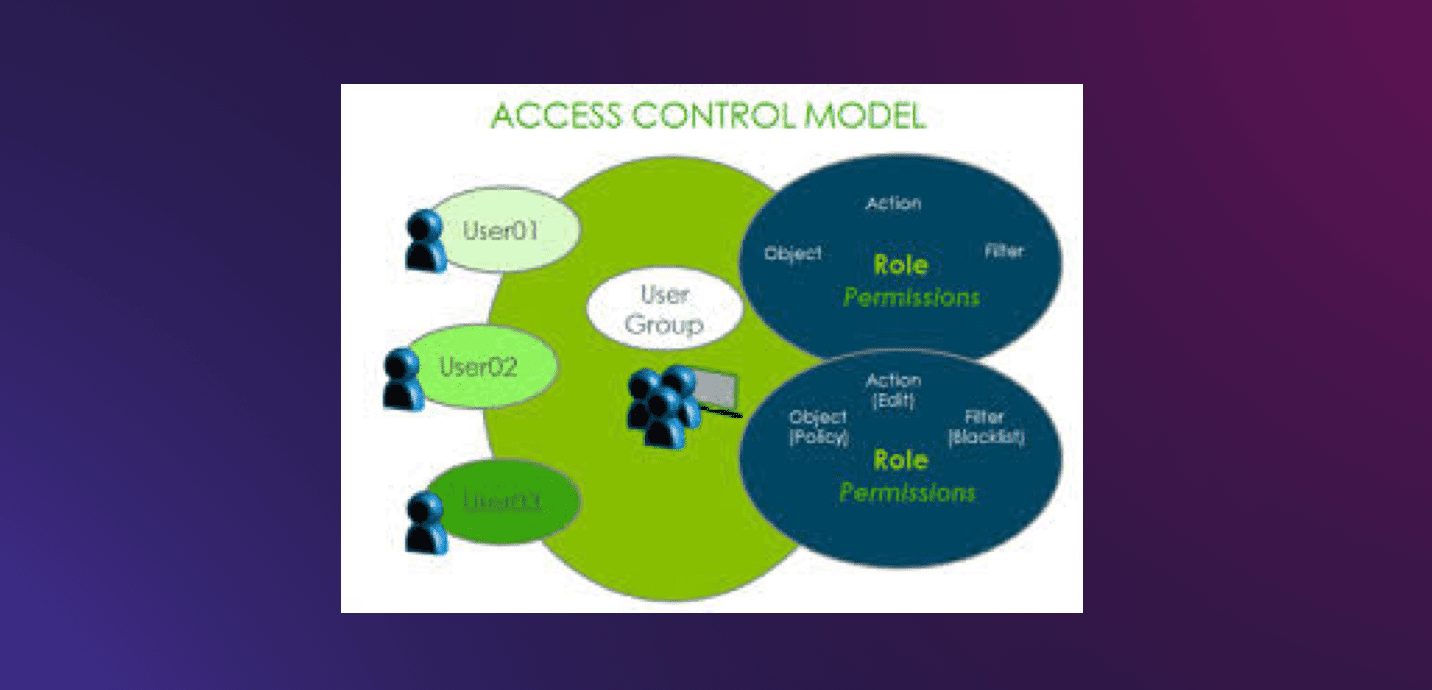
In this system, Pleasant Password Server, Roles are referred to as a User Group. Here are the steps to integrate (import) your existing user group as roles to Pleasant Password Server. Please see “What to note before assigning Multiple IPs’ to an Instance“, and how to perform Microsoft Account Password Reset via Web and Windows….

Read More “How to import Users and Groups into Pleasant Password Manager” »

Password Manager

Integrate Pleasant Password Server with Active Directory

Posted on 13/08/201917/08/2026 Christian By Christian No Comments on Integrate Pleasant Password Server with Active Directory
Integrate Pleasant Password Server with Active Directory

Integrating Pleasant Password Server (PPS) with AD allows you to manage user access while leveraging your existing AD infrastructure for authentication. This integration simplifies user management and enhances security by centralizing user credentials and permissions. In this article, we shall discuss how to Integrate Pleasant Password Server with Active Directory. Please see How to use…

Read More “Integrate Pleasant Password Server with Active Directory” »

Password Manager

How to export passwords from KeePass Database to Pleasant Password Server

Posted on 13/08/201917/08/2026 Christian By Christian No Comments on How to export passwords from KeePass Database to Pleasant Password Server
How to export passwords from KeePass Database to Pleasant Password Server

Since we have a compatible (existing password system which Pleasant Password Server Supports), migrating or importing Passwords from KeePass Database is relatively easy. Please see “What to note before assigning Multiple IPs’ to an Instance“, and how to perform Microsoft Account Password Reset via Web and Windows. Password Exports Here are the supported formats available…

Read More “How to export passwords from KeePass Database to Pleasant Password Server” »

Password Manager

How to install Pleasant Password Server

Posted on 13/08/201917/08/2026 Christian By Christian No Comments on How to install Pleasant Password Server
How to install Pleasant Password Server

Password Manager is a simple and easy-to-use password management tool. This password management system is compatible with KeePass (our existing password management system). Kindly refer to some of these related guides: How to clear, enable or disable TPM in Windows via the BIOS or UEFI, BitLocker Back Door:TPM Only: From stolen laptop to inside the company…

Read More “How to install Pleasant Password Server” »

Password Manager

Configure failover for ManageEngine Password Manager Pro

Posted on 09/03/201817/08/2026 Christian By Christian No Comments on Configure failover for ManageEngine Password Manager Pro
Configure failover for ManageEngine Password Manager Pro

Password Manager Pro is a secure vault for storing and managing shared sensitive information such as passwords, documents and digital identities of enterprises. Please see how to create Virtual Hosts in a WAMPserver. In this article, I will show you how to configure failover for ManageEngine Password Manager. Please see How To Setup A New…

Read More “Configure failover for ManageEngine Password Manager Pro” »

Password Manager

Upgrade ManageEngine Password Manager Pro

Posted on 18/11/201717/08/2026 Christian By Christian No Comments on Upgrade ManageEngine Password Manager Pro
Upgrade ManageEngine Password Manager Pro

Password Manager Pro is a secure vault for storing and managing shared sensitive information such as passwords, documents and digital identities of enterprises. Please see How to Upgrade Windows 11 Pro to Enterprise and vice Versa, How to update Fujitsu server BIOS, How to enable Hyper-V on a VMware Workstation, how to Enable automatic update…

Read More “Upgrade ManageEngine Password Manager Pro” »

Password Manager

Posts pagination

Previous 1 2

Microsoft MVP

vexpert-badge-stars-5

Virtual Background

VEEAMLEGEND

Categories

veeaam100

Veeam Vanguard

  • Hadoop installation
    How to Install Hadoop on Linux Network | Monitoring
  • Azure logo
    Microsoft Azure Active Directory: How to setup Azure AD Tenant AWS/Azure/OpenShift
  • windows1019h2
    Synchronize your Domain Controller with an external time source Windows Server
  • ansiblebanner
    Install and configure Ansible on Azure Virtual Machine Configuration Management Tool
  • image 190
    Creating Profiles for your AWS Access Credentials for AWS Toolkit in Visual Studio AWS/Azure/OpenShift
  • screenshot 2020 03 13 at 21.22.29
    How to determine Cygwin version Windows Server
  • FEATURE IMAGE BASE URL 1
    How to solve cannot find a valid base URL for repo: base/7/x86_64 Linux
  • disable camera in Windows
    How to disable Camera Access in Windows Windows

Subscribe to Blog via Email

Enter your email address to subscribe to this blog and receive notifications of new posts by email.

Join 1,759 other subscribers
  • RSS - Posts
  • RSS - Comments
  • About
  • Authors
  • Write for us
  • Contact
  • Advertise with us
  • General Terms and Conditions
  • Privacy policy
  • Feedly
  • Telegram
  • Youtube
  • Facebook
  • Instagram
  • LinkedIn
  • Tumblr
  • Pinterest
  • Twitter
  • mastodon
  • Bsky

Tags

Active Directory Azure Bitlocker Microsoft Windows PowerShell WDS Windows 10 Windows 11 Windows Deployment Services Windows Server 2016

Copyright © 2026 TechDirectArchive