Skip to content

TechDirectArchive

Hands-on IT, Cloud, Security, Veeam & DevOps

  • Home
  • About
  • Advertise With US
  • Reviews
  • Contact
  • Toggle search form
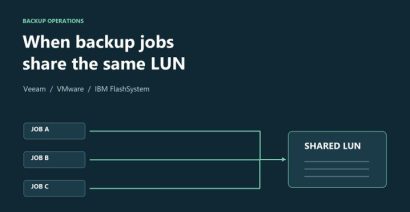
01_ When Backup Jobs Collide: Investigating Veeam DiskLib Error 13 Network | Monitoring
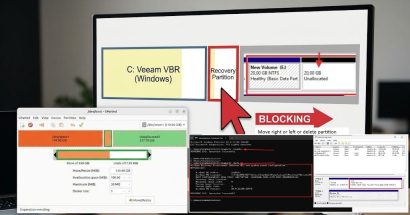
fixing windows non adjacency with GParted How to fix Non-Adjacent Partition on Windows Server Using GParted Windows Server
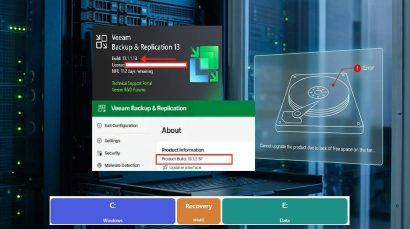
VBR upgrade via the updater Upgrade Veeam Backup & Replication to v13.1.2.57: Fix VBR Update Failures Due to Low Disk Space on Windows Server Backup
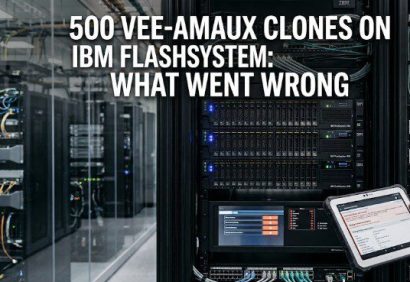
VeeamAUX Clones on IBM FlashSystem 500+ VeeamAUX Clones on IBM FlashSystem: What Went Wrong? Network | Monitoring
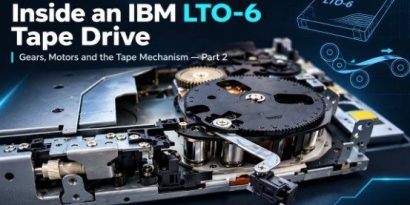
Tape drive part2 Inside an IBM LTO-6 Tape Drive: Gears, Motors and the Tape Mechanism — Part 2 Backup

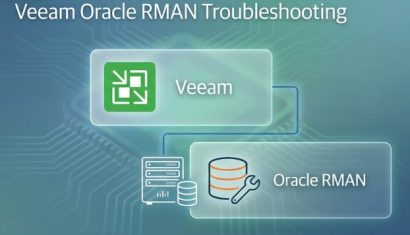
Veeam Oracle RMAN Troubleshooting: Connection Timeout, Broken Pipe and a Stuck RMANPluginManager

Posted on 27/08/202627/08/2026 matheusgiovanini By matheusgiovanini No Comments on Veeam Oracle RMAN Troubleshooting: Connection Timeout, Broken Pipe and a Stuck RMANPluginManager
Veeam Oracle RMAN Troubleshooting: Connection Timeout, Broken Pipe and a Stuck RMANPluginManager

Oracle RMAN backups using the Veeam Plug-in for Oracle RMAN involve multiple components working together. When something goes wrong, the problem is not always immediately visible from the Veeam console. In this article, I want to share a real troubleshooting case where Veeam Backup & Replication reported the backup session as Success, while RMAN was…

Read More “Veeam Oracle RMAN Troubleshooting: Connection Timeout, Broken Pipe and a Stuck RMANPluginManager” »

Backup

SizeTrend: A Fast Windows Disk Space Analyzer for Storage Analysis

Posted on 27/08/202627/08/2026 Christian By Christian No Comments on SizeTrend: A Fast Windows Disk Space Analyzer for Storage Analysis
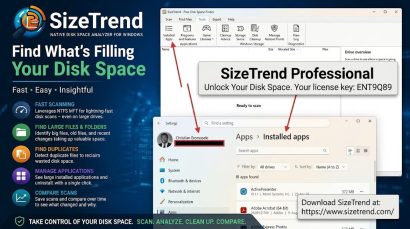
SizeTrend: A Fast Windows Disk Space Analyzer for Storage Analysis

When a Windows server or workstation suddenly consumes system storage, system administrators immediately face the challenge of isolating the cause. Standard built-in Windows diagnostic utilities show high-level storage categories, but they often fail to pinpoint the exact directories, application logs, or recent file system changes responsible for rapid disk growth. In this guide we shall…

Read More “SizeTrend: A Fast Windows Disk Space Analyzer for Storage Analysis” »

Windows, Windows Server

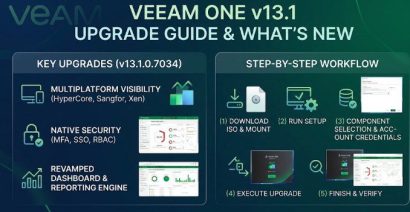
Veeam ONE 13.1.0.7034 Upgrade: Complete Pre-flight and Step-by-Step Guide

Posted on 26/08/202627/08/2026 Christian By Christian No Comments on Veeam ONE 13.1.0.7034 Upgrade: Complete Pre-flight and Step-by-Step Guide
Veeam ONE 13.1.0.7034 Upgrade: Complete Pre-flight and Step-by-Step Guide

In this article, we shall discuss the steps to upgrade Veeam ONE to build 13.1.0.7034. Veeam ONE 13.1 expands monitoring coverage, strengthens identity and access controls, improves threat visibility, and modernizes reporting and upgrade operations. Please see how to perform in-place upgrade of Veeam Recovery Orchestrator to version 13.1, Enhanced Proactive Monitoring with Veeam ONE,…

Read More “Veeam ONE 13.1.0.7034 Upgrade: Complete Pre-flight and Step-by-Step Guide” »

Backup

Upgrading Veeam Backup Enterprise Manager to v13.1 and Applying System Updates

Posted on 26/08/202603/09/2026 Christian By Christian No Comments on Upgrading Veeam Backup Enterprise Manager to v13.1 and Applying System Updates
Upgrading Veeam Backup Enterprise Manager to v13.1 and Applying System Updates

Veeam Backup Enterprise Manager (VBEM) provides centralized management, global data visibility, and Role-Based Access Control (RBAC) across multi-server backup environments. In this guide, we will walk through upgrading Enterprise Manager to version 13.1.1.18 via the web-based Veeam Host Management Console, aand applying underlying OS and security updates. Please see Veeam Enterprise Manager setup and User…

Read More “Upgrading Veeam Backup Enterprise Manager to v13.1 and Applying System Updates” »

Backup

In-place upgrade of Veeam Recovery Orchestrator to version 13.1

Posted on 25/08/202627/08/2026 Christian By Christian No Comments on In-place upgrade of Veeam Recovery Orchestrator to version 13.1
In-place upgrade of Veeam Recovery Orchestrator to version 13.1

Unlike VBR (Veeam Backup and Replication), Veeam Recovery Orchestrator (VRO) v13 is still Windows-based. Just like Veeam ONE, it does not have a Linux-based VSA (Appliance model). To run VRO, you must install VRO on a standard Microsoft Windows Server. In this article, we shall discuss how to perform an In-place upgrade of Veeam Recovery…

Read More “In-place upgrade of Veeam Recovery Orchestrator to version 13.1” »

Backup

How to build and deploy a Docker Image with Kubernetes Cluster

Posted on 17/08/202603/09/2026 Imoh Etuk By Imoh Etuk No Comments on How to build and deploy a Docker Image with Kubernetes Cluster
How to build and deploy a Docker Image with Kubernetes Cluster

Docker and Kubernetes have been around for some time now with many still trying to fully understand both tools especially Kubernetes. Deploying Docker images to Kubernetes is a great way to run your application in an easily scalable way. Please see how to install Kerberos packages in Windows via Cygwin, how to configure a remote…

Read More “How to build and deploy a Docker Image with Kubernetes Cluster” »

Network | Monitoring

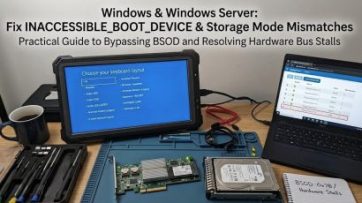
Fix INACCESSIBLE_BOOT_DEVICE in Windows and Windows Server

Posted on 15/08/202603/09/2026 Christian By Christian No Comments on Fix INACCESSIBLE_BOOT_DEVICE in Windows and Windows Server
Fix INACCESSIBLE_BOOT_DEVICE in Windows and Windows Server

In this blogpost, we will discuss “Fix INACCESSIBLE_BOOT_DEVICE in Windows and Windows Server”. Please see Active Directory Vulnerability Assessment with Purple Knight: Domain Controller Owner Is Not an Administrator, AGMP extended support ends April 2026: Find alternative solution, and Steps to customize Windows PE boot images. The INACCESSIBLE_BOOT_DEVICE stop error 0x0000007B occurs when Windows loses access…

Read More “Fix INACCESSIBLE_BOOT_DEVICE in Windows and Windows Server” »

Windows, Windows Server

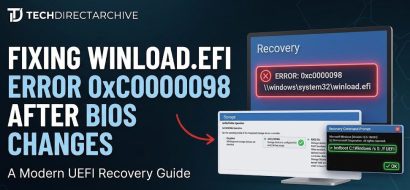
How to fix Windows Boot Error 0xc0000098 (winload.efi)

Posted on 15/08/202615/08/2026 Christian By Christian No Comments on How to fix Windows Boot Error 0xc0000098 (winload.efi)
How to fix Windows Boot Error 0xc0000098 (winload.efi)

Have you ever started your PC, and suddenly found yourself staring at a Windows Recovery screen instead of your desktop? Please see Fix Veeam Proxmox VE Backup Error: Failed to prepare disk for backup, Google Drive Broken on Windows: Fix and Prevent it from happening again, and How to fix Error 202: AMD Software Installer…

Read More “How to fix Windows Boot Error 0xc0000098 (winload.efi)” »

Windows

Fix Veeam Proxmox VE Backup Error: Failed to prepare disk for backup

Posted on 11/08/202611/08/2026 Christian By Christian No Comments on Fix Veeam Proxmox VE Backup Error: Failed to prepare disk for backup
Fix Veeam Proxmox VE Backup Error: Failed to prepare disk for backup

In this article, we shall discuss how to “Fix Veeam Proxmox VE Backup Error: Failed to prepare disk for backup”. Please see Google Drive Broken on Windows: Fix and Prevent it from happening again, how to fix Error 202: AMD Software Installer Fails to install Update, and Resolve Veeam ONE “The specified property cannot be…

Read More “Fix Veeam Proxmox VE Backup Error: Failed to prepare disk for backup” »

Backup

Google Drive Broken on Windows: Fix and Prevent it from happening again

Posted on 11/08/202611/08/2026 Christian By Christian No Comments on Google Drive Broken on Windows: Fix and Prevent it from happening again
Google Drive Broken on Windows: Fix and Prevent it from happening again

In this guide, we will discuss “Google Drive Broken on Windows: Fix and Prevent it from happening again”. Google Drive for desktop can occasionally stop working correctly due to numerous reasons in Windows 11. In some cases, Google Drive may not appear in File Explorer, and the Google Drive icon may also not be visible…

Read More “Google Drive Broken on Windows: Fix and Prevent it from happening again” »

Windows

How to fix Error 202: AMD Software Installer Fails to install Update

Posted on 11/08/202611/08/2026 Christian By Christian No Comments on How to fix Error 202: AMD Software Installer Fails to install Update
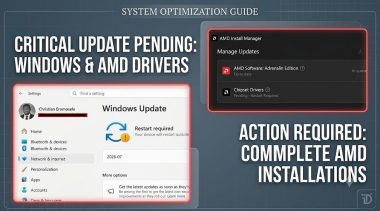
How to fix Error 202: AMD Software Installer Fails to install Update

In this article, we shall discuss how to fix Error 202: AMD Software Installer Fails to install Update. With this error message, AMD Software Installer Cannot Proceed as a Windows Update is Currently in Progress. Please see Upgrading Azure AD Connect to Microsoft Entra Connect Sync, PCI Driver Error: Connection to Deployment Share could not…

Read More “How to fix Error 202: AMD Software Installer Fails to install Update” »

Windows

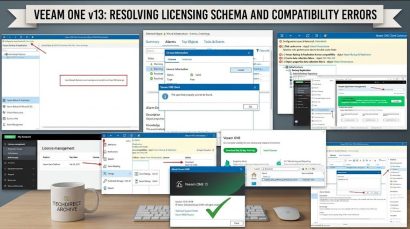
Resolve Veeam ONE “The specified property cannot be found” and License Mismatch Errors During upgrade

Posted on 11/08/202611/08/2026 Christian By Christian No Comments on Resolve Veeam ONE “The specified property cannot be found” and License Mismatch Errors During upgrade
Resolve Veeam ONE “The specified property cannot be found” and License Mismatch Errors During  upgrade

This article discusses how to resolve Veeam ONE “The specified property cannot be found” and License Mismatch Errors. Veeam Data Platform (VDP) is an end-to-end data recovery platform designed to provide immutable, high-performance backups and direct to object storage at any scale. Please see Azure Virtual Desktop: How to set Up Azure Virtual Desktop Insights…

Read More “Resolve Veeam ONE “The specified property cannot be found” and License Mismatch Errors During upgrade” »

Backup, Network | Monitoring

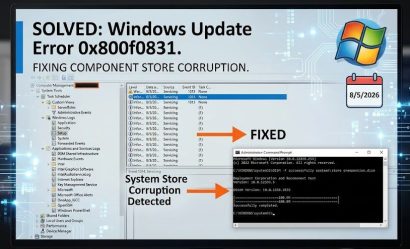
How to fix Update Error 0x800f0831 in Windows or Windows Server

Posted on 11/08/202611/08/2026 Christian By Christian No Comments on How to fix Update Error 0x800f0831 in Windows or Windows Server
How to fix Update Error 0x800f0831 in Windows or Windows Server

In this article, we shall discuss how to fix Update Error 0x800f0831 in Windows. Windows Update errors 0x800f0831 often times indicates a missing manifest file or servicing component corruption in the Component Store (WinSxS). Please see Backing Up OpenShift Is Not the Same as Recovering It, Veeam Agent for Windows deployment failing with Access Denied,…

Read More “How to fix Update Error 0x800f0831 in Windows or Windows Server” »

Windows, Windows Server

Posts pagination

Previous 1 2 3 … 175 Next

Microsoft MVP

vexpert-badge-stars-5

Virtual Background

VEEAMLEGEND

Categories

Top 30 Sysadmin blog

veeaam100

Veeam Vanguard

  • Error 0x800f0823 The specified package cannot be added to this Windows Image
    Error 0x800f0823: Wizard.hta Screen stuck during WDS Deployment Windows Server
  • how to install ms office 365 title
    How to complete Microsoft Office 365 Family Subscription Mac
  • Uninstall MicrosoftDefenderUpdate
    What you need to know about Microsoft Defender Antivirus Security | Vulnerability Scans and Assessment
  • EnableDisableTPMAutoProv
    Waiting for TPM Auto Provisioning: How to Enable or Disable TPM Auto-provisioning Windows
  • banner
    How to Check and Reset Network Data Usage in Windows 11 Network | Monitoring
  • Prevent the saving of RDP Credentials
    Prevent users from saving RDP Credentials on Windows 11 Windows
  • centos feature
    How to change the system time zone under RedHat and CentOS Linux
  • gnome
    Determine the version of GNOME running on your Ubuntu Linux Network | Monitoring

Subscribe to Blog via Email

Enter your email address to subscribe to this blog and receive notifications of new posts by email.

Join 1,746 other subscribers
  • RSS - Posts
  • RSS - Comments
  • About
  • Authors
  • Write for us
  • Contact
  • Advertise with us
  • General Terms and Conditions
  • Privacy policy
  • Feedly
  • Telegram
  • Youtube
  • Facebook
  • Instagram
  • LinkedIn
  • Tumblr
  • Pinterest
  • Twitter
  • mastodon
  • Bsky

Tags

Active Directory Azure Bitlocker Microsoft Windows PowerShell WDS Windows 10 Windows 11 Windows Deployment Services Windows Server 2016

Copyright © 2026 TechDirectArchive